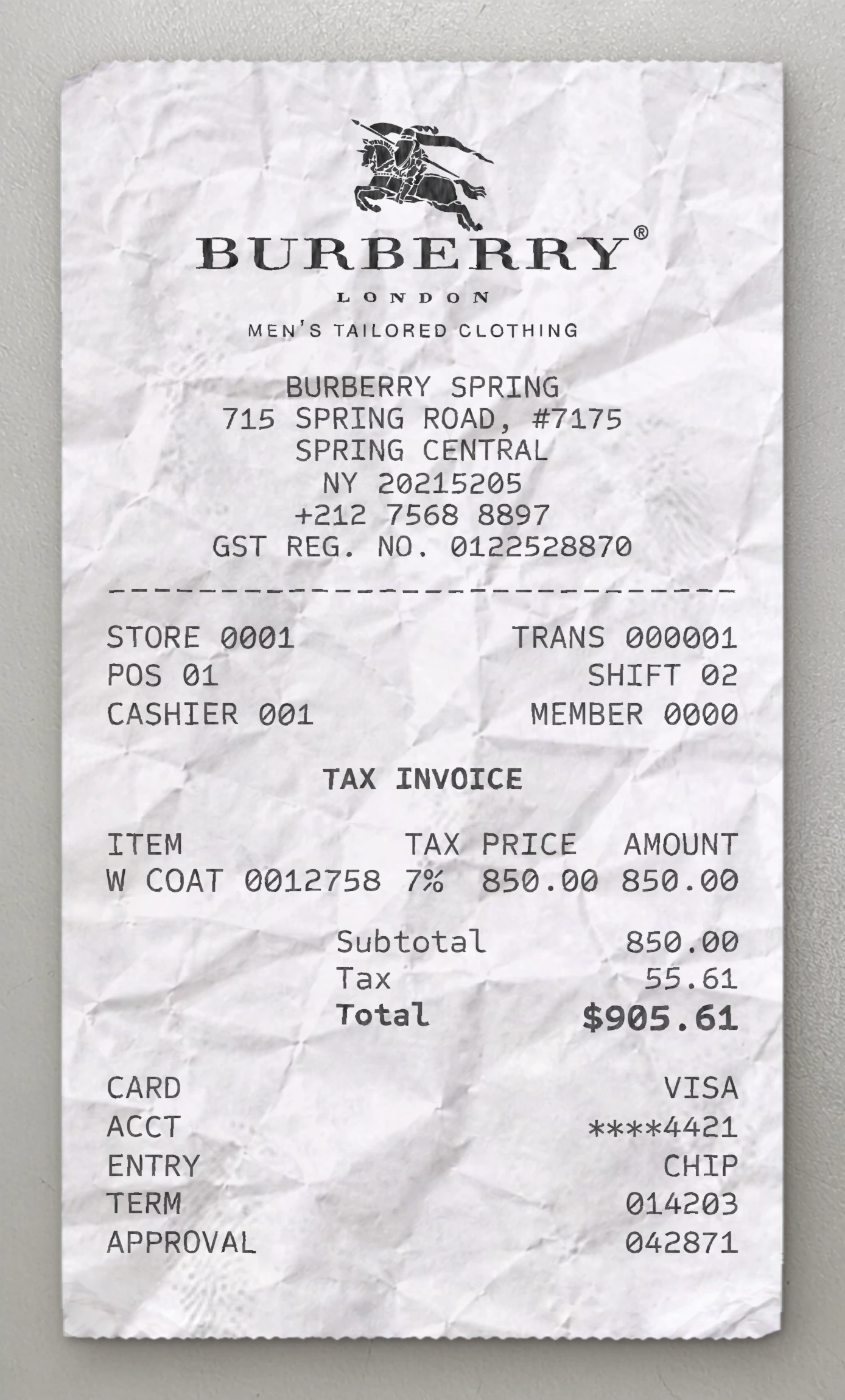
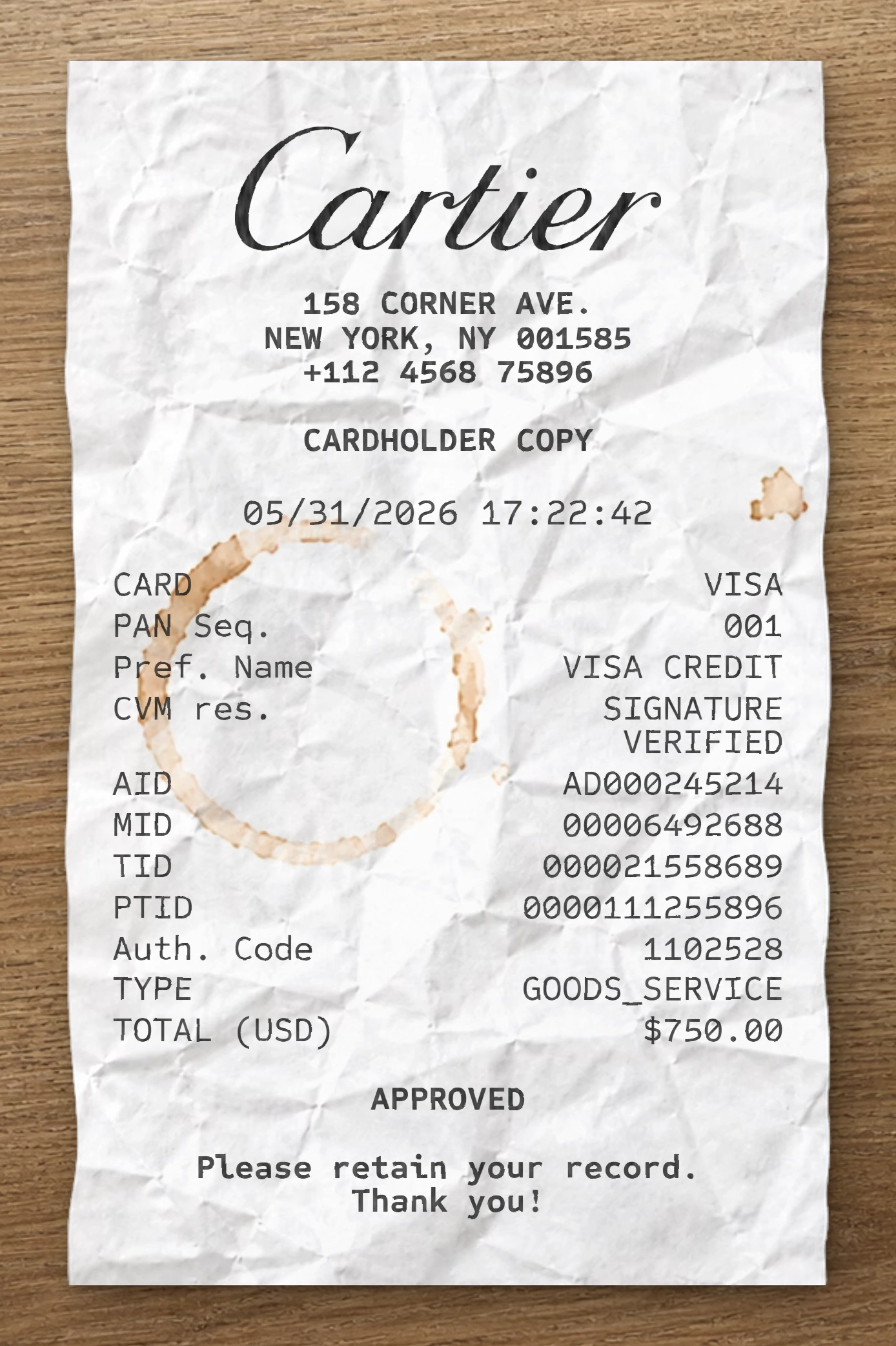
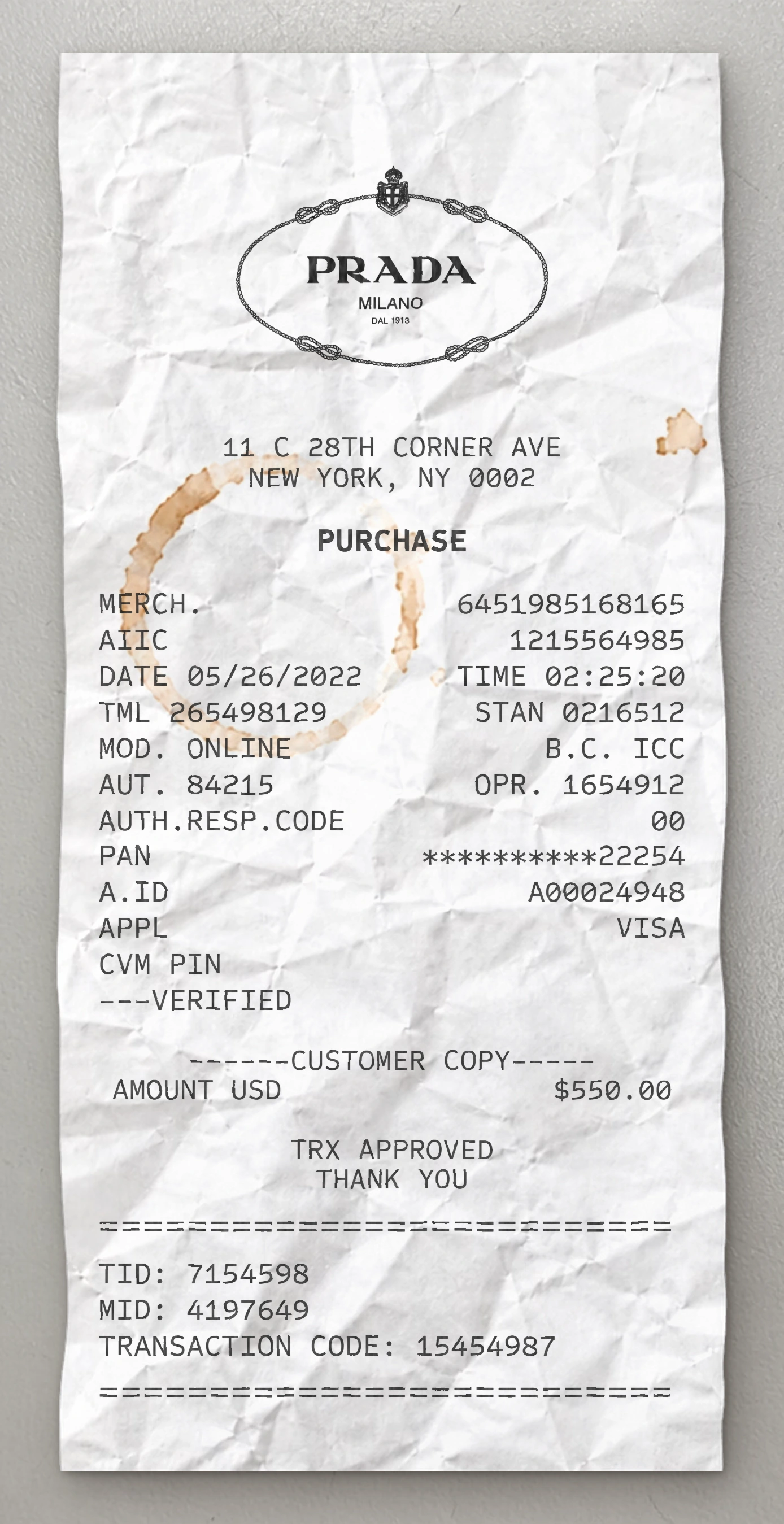
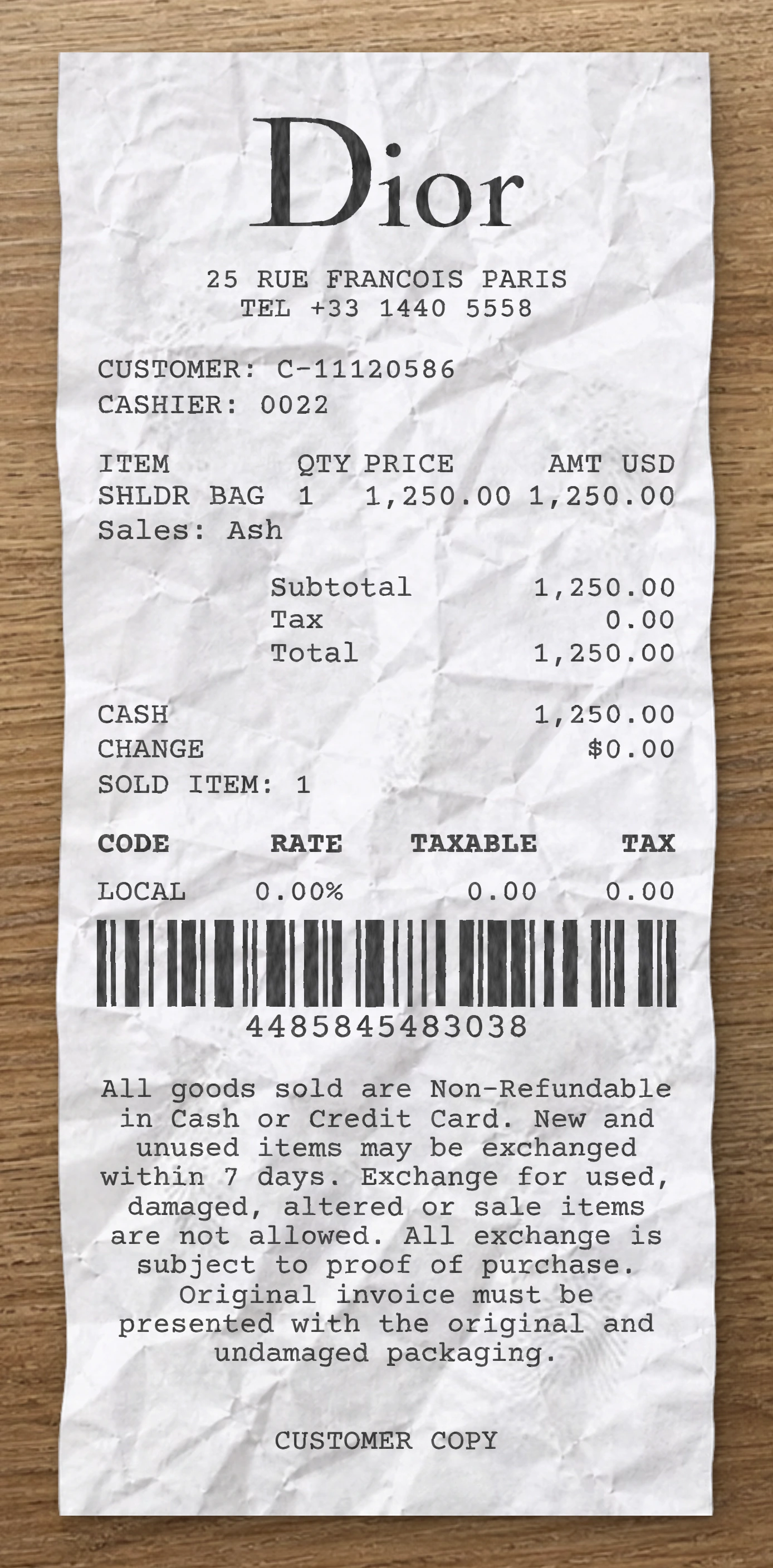
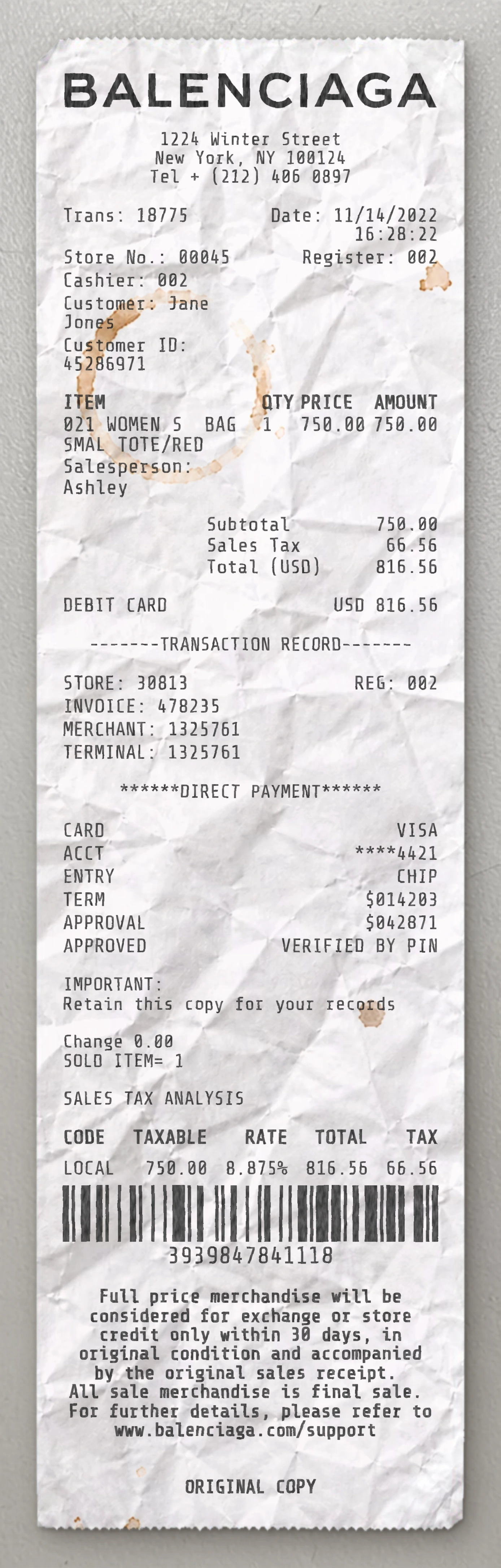
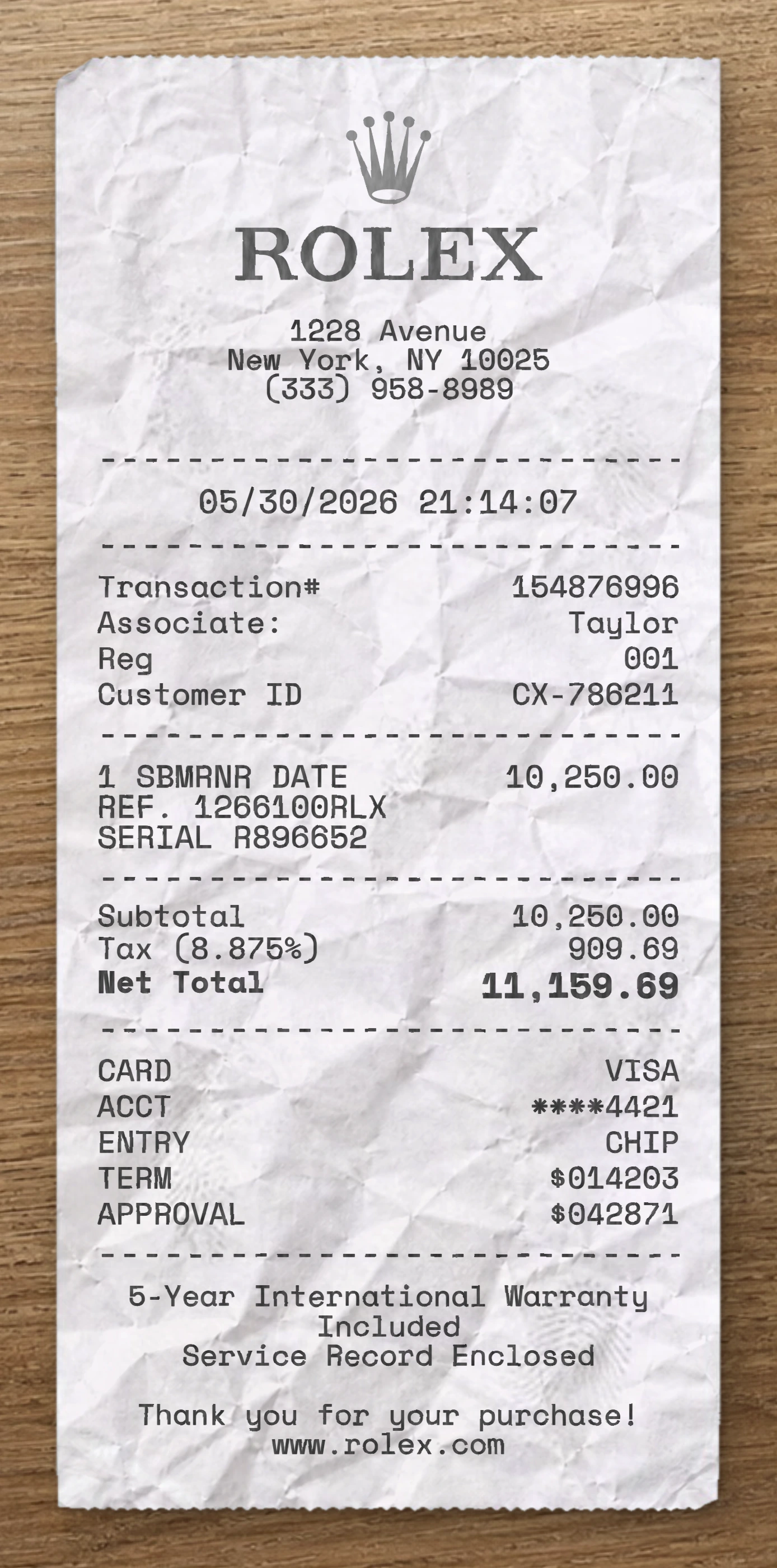
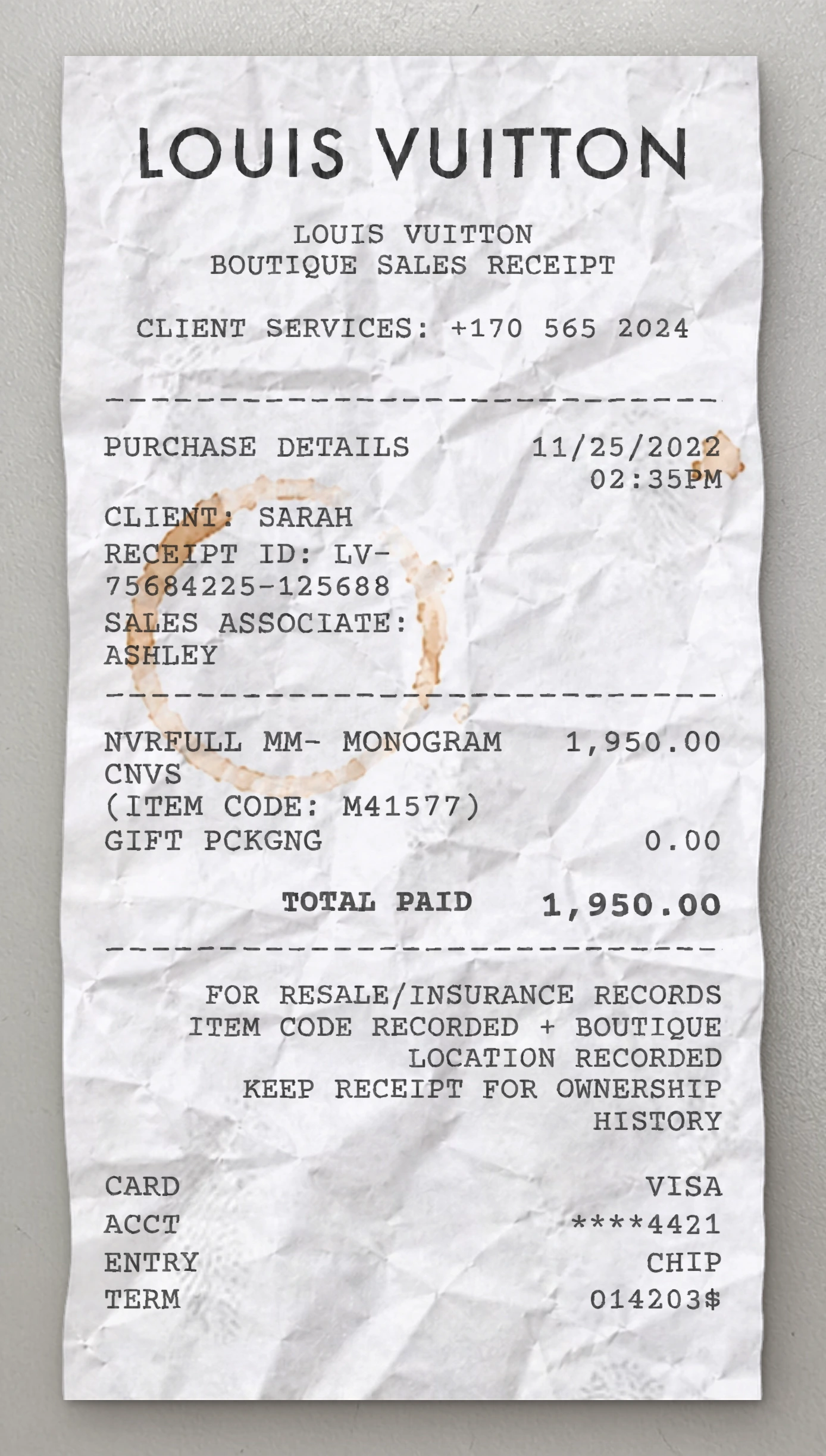
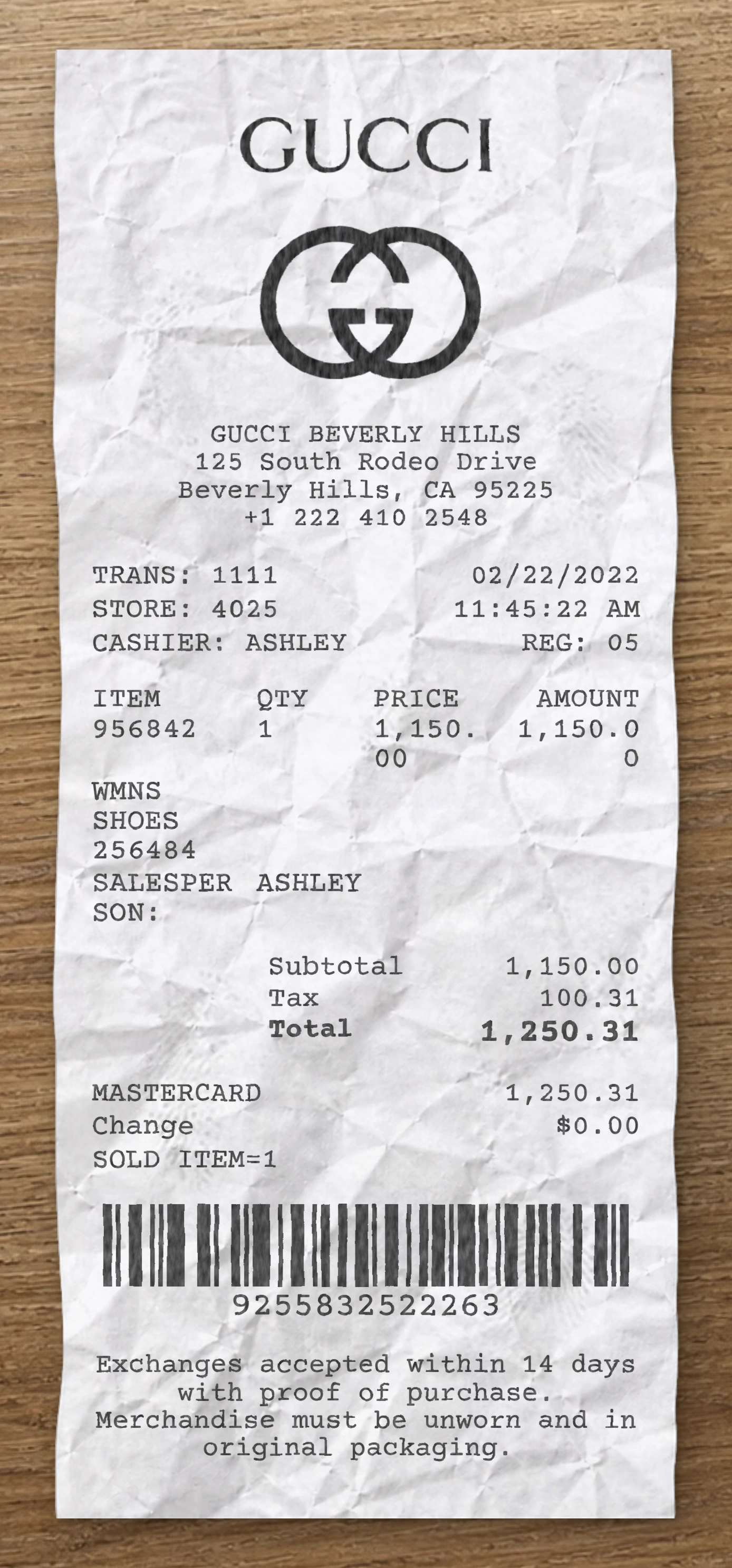
Use our free Foot Locker receipt maker to customize every element of this template. Edit item names, prices, quantities, tax rates, store location, date and payment method to match your needs.
This Foot Locker receipt template is built from a real fashion receipt. This Foot Locker fake receipt template is based on a real athletic footwear retail receipt from Foot Locker, capturing a single-pair premium sneaker purchase paid by chip-inserted Visa card, with VIP loyalty status and a survey-driven discount offer. The header features the iconic Foot Locker referee mascot logo centered at the top — a striped-jersey character with hands on hips — paired with the "foot Locker" wordmark in the brand's rounded display font directly beneath. Below the logo, a centered "Visit Us At www.footlocker.com" web address line introduces the body of the receipt. The transaction metadata appears as a left-aligned block of labeled fields with comfortable vertical spacing: STORE and REGISTER numbers on a single row, CASHIER first name, ASSOCIATE ID number, a "CUSTOMER RECEIPT COPY" marker, CUSTOMER NUMBER (loyalty member ID), Current Status (showing the tier, "GOLD VIP"), and a second ASSOCIATE ID. A dashed separator closes the metadata block. The transaction section is compact. The line item uses a two-row format: the first row shows the receipt date stub, abbreviated product name (e.g., "11/14 NIK AIR MAX 1 PRM"), and price right-aligned with a tax-class suffix ("N"); the second indented row prints the SKU number with quantity and unit price ("6294187503842 1 @ 150.00"). Only one product entry appears. The financial summary is minimal and left-labeled with right-aligned values: SUBTOTAL and TOTAL, both matching at $150.00 (no sales tax line on this receipt). The payment block is dominated by a vertically stacked left-aligned EMV verification panel with each value typically on its own line below its label: AMOUNT TENDERED header, VISA card brand, ACCT (masked card number), EXP placeholder, APPROVAL code, AID, ARQC cryptogram, TVR, TSI, a CARD INSERTED entry method note, and a final TOTAL PAYMENT line confirming the charged amount. A dashed separator introduces a transaction summary row: Tran (transaction number) on the left, date right-aligned, and time printed beneath on the next line. Another dashed separator closes this block. The footer prints the full store identification block — store number with brand name, mall name, street address, city, state, and ZIP, then phone number — centered across five stacked lines. Below sits a starred "**********SPECIAL OFFER**********" banner (repeated twice on consecutive lines for emphasis) introducing a five-line centered survey promotion: "$10 OFF your next purchase!", a $50 minimum purchase requirement, an "In Store and On-Line" eligibility note, and instructions to take the footlockersurvey.com survey or call the toll-free 1-800 number within 14 days. Use our free Foot Locker fake receipt generator to customize every element of this fake receipt template — edit item names, prices, quantities, tax rates, store location, date, and payment method to match your needs. The Foot Locker fake receipt maker is ideal for testing, design mockups, training materials, and educational purposes. Generate a fake Foot Locker receipt instantly, export it as a PNG or PDF, print it right away, and reuse it as many times as you need. No software to download, no sign-up required.
Use our free Foot Locker receipt maker to customize every element of this template. Edit item names, prices, quantities, tax rates, store location, date and payment method to match your needs.
The Foot Locker receipt generator is ideal for testing, design mockups, training materials and educational purposes. Export your custom Foot Locker receipt as a PNG, WEBP or JPG, print it instantly, and reuse it as many times as you need. No software to download, no sign-up required.
Same level of detail. Each template below is reverse-engineered from a real receipt and ready to customize.
With our receipt maker, create any bill as easy as 1, 2, 3.
Start with any receipt layout from the catalog. Each template is built from a real receipt and ready to customize.
Update the business details, line items, prices, dates, taxes, payment method and receipt styling directly in the editor.
Download the finished receipt as PNG, JPG or WEBP. Use it in an email, add it to a mockup, share it digitally or print it out.
Everything you need to know about editing, saving and exporting receipt templates.
Create realistic sample receipts for mockups, product demos, staff training, software testing, props and internal workflows. The tool is intended for legitimate, non-deceptive use only.
Yes. You can update business details, line items, prices, quantities, dates, taxes, totals, payment method, logos, fonts and styling options directly in the editor.
Yes. Create an account to save reusable receipt layouts, reopen previous drafts and reuse the same structure for future exports.
You can download the finished receipt as PNG, JPG or WEBP. Use the file in an email, presentation, mockup, digital workflow or print it when needed.
No. The receipt maker runs directly in your browser, so you can pick a template, edit it and export the result without installing anything.
Yes. You can replace logos, update names and addresses, change receipt details and adapt the layout so the sample document fits your project.
Real humans on standby. No chatbots, no canned replies. Tell us what you're building and we'll point you in the right direction.