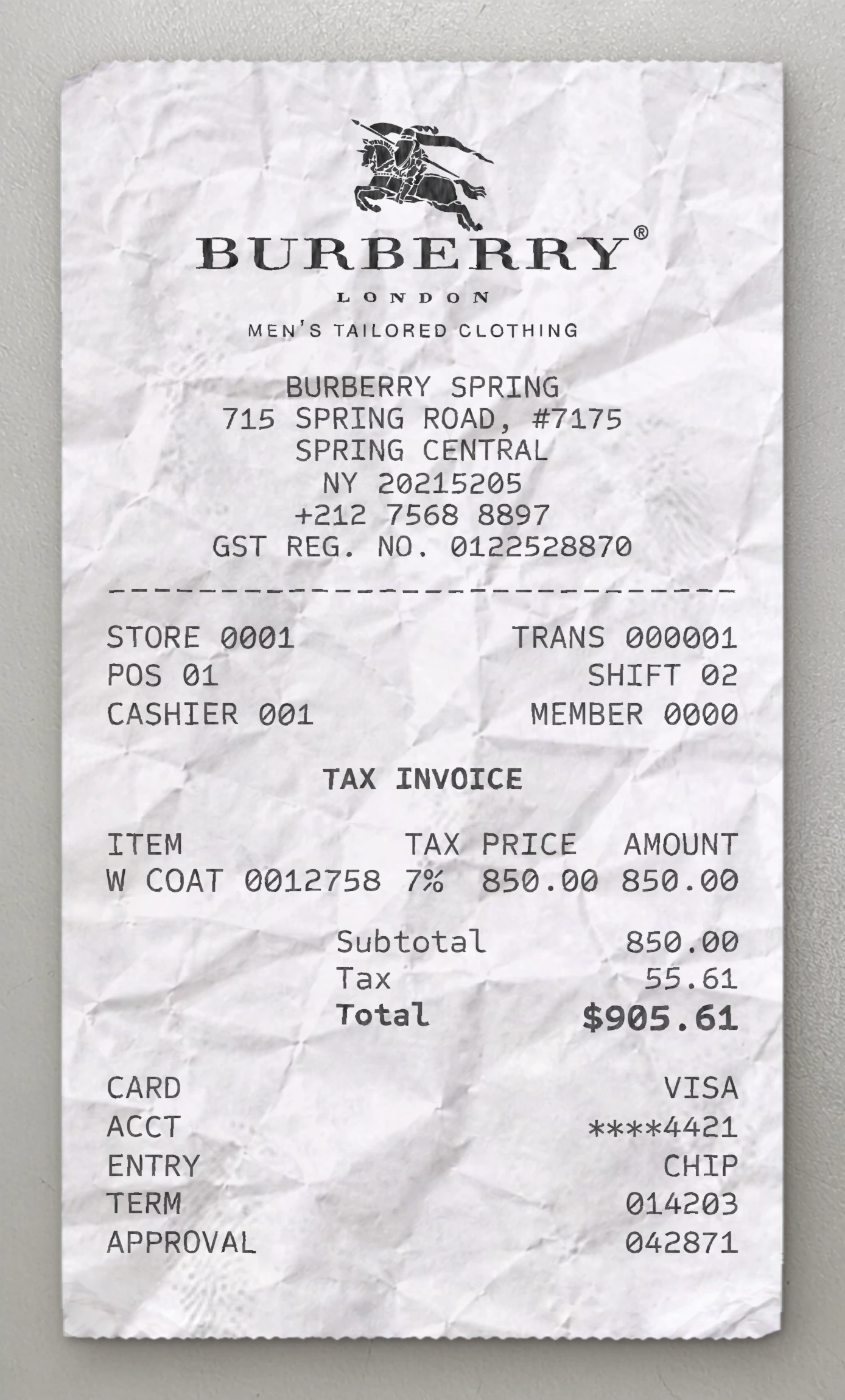
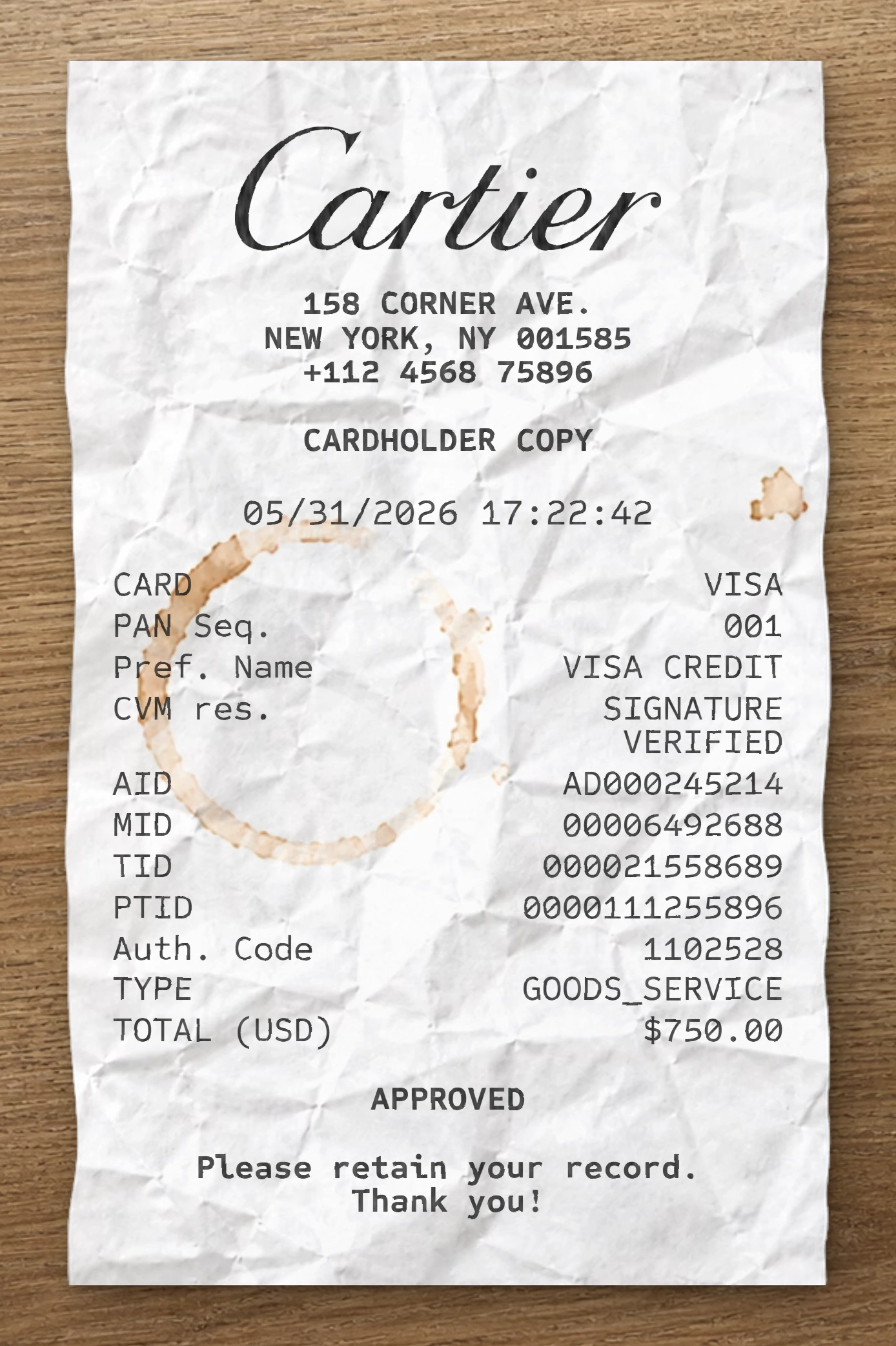
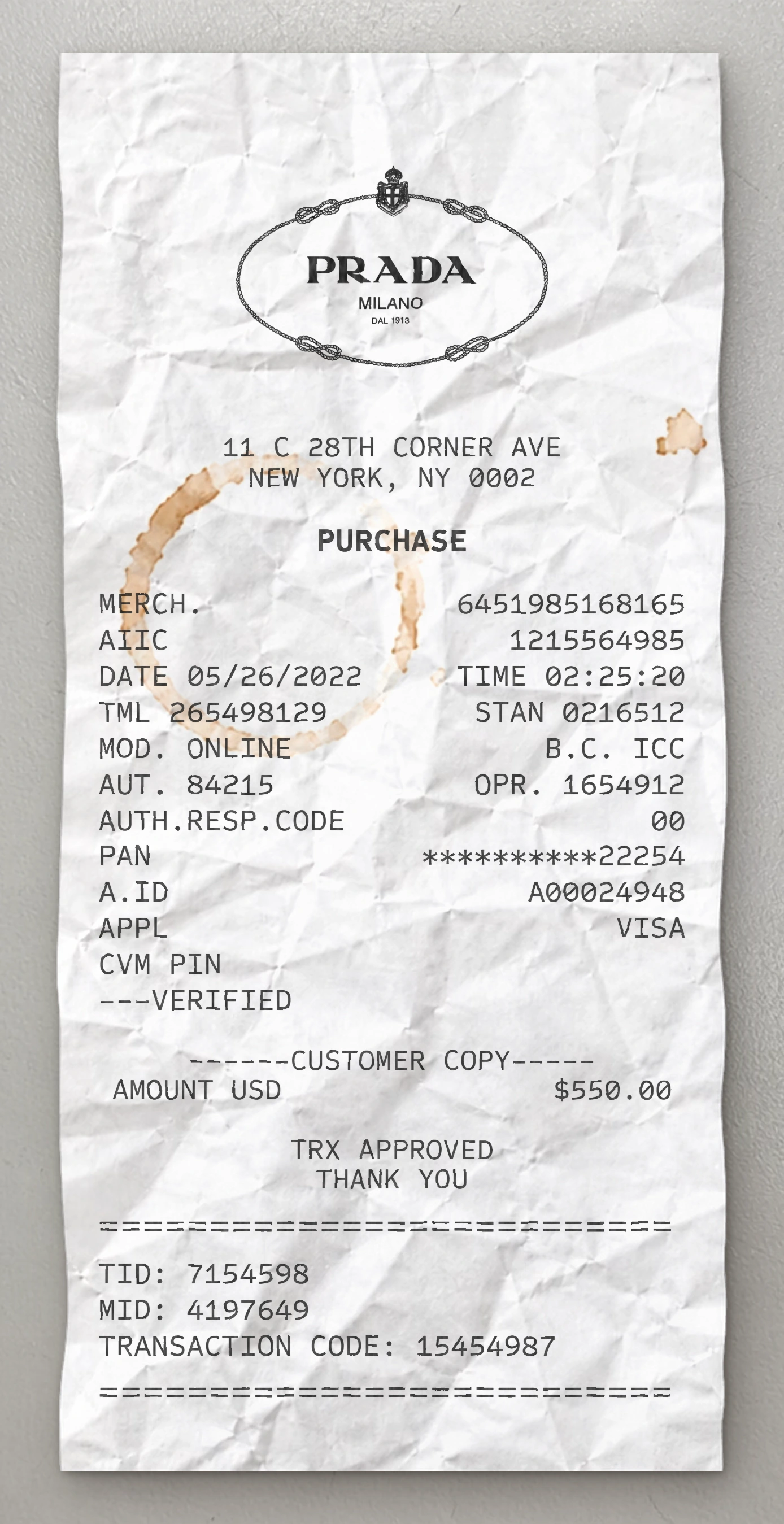
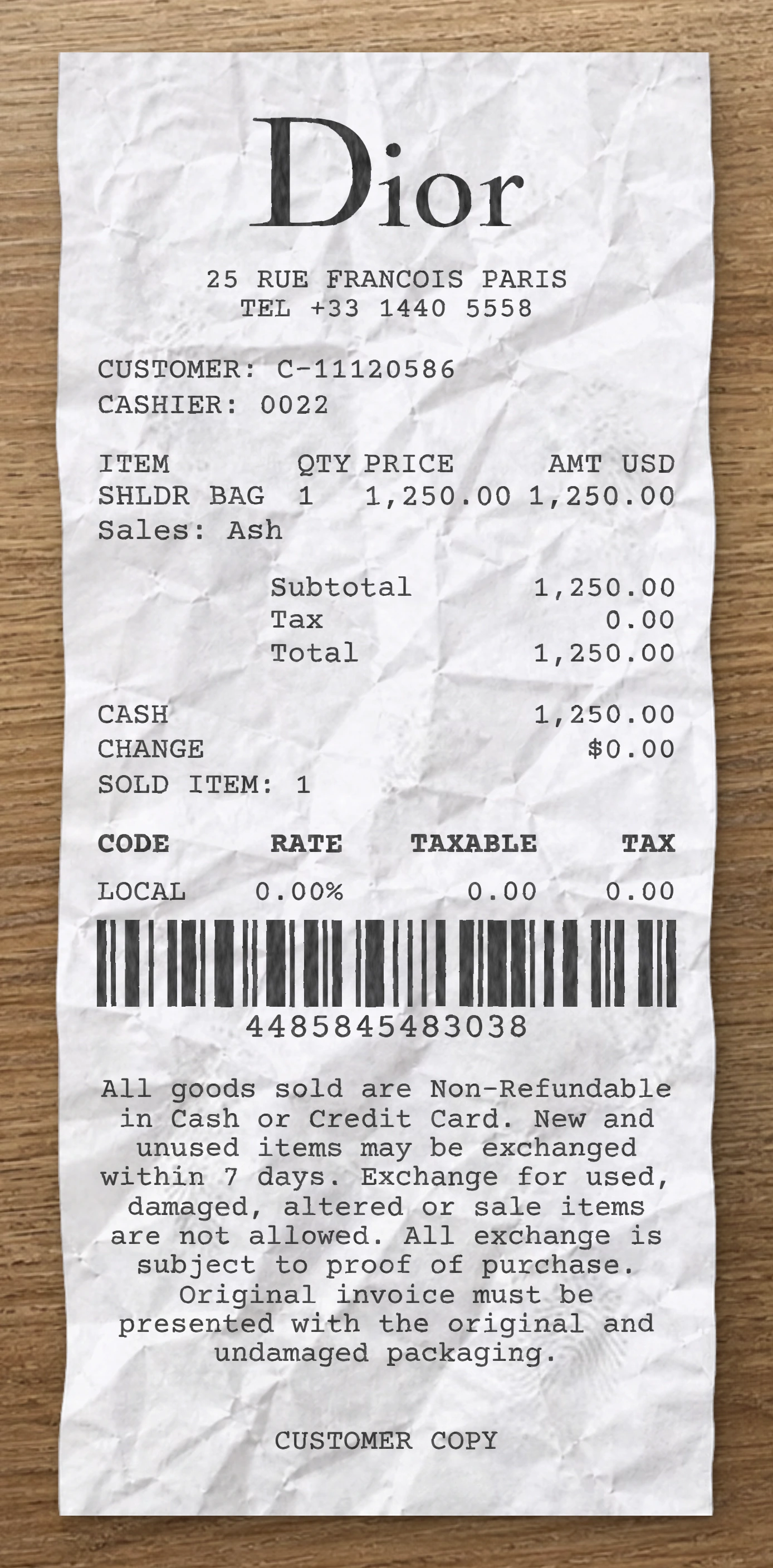
Use our free Hot Topic receipt maker to customize every element of this template. Edit item names, prices, quantities, tax rates, store location, date and payment method to match your needs.
This Hot Topic receipt template is built from a real fashion receipt. This Hot Topic fake receipt template is based on a real specialty pop culture apparel retail receipt from Hot Topic, capturing a five-item licensed merchandise haul across anime, horror, and gaming franchises with BOGO discounts and Hot Cash applied, paid via chip Visa credit card. The header features the iconic "HOT TOPIC" wordmark logo centered at the top in the brand's signature bold blocky condensed sans-serif typeface with a registered trademark symbol. Below the logo, a centered five-line block prints the store number with mall branch name ("0581 Richland Mall"), the street address with suite number, the city, state, and ZIP code on its own row, the country, and the store phone number. The transaction metadata appears next as a two-column block: Store number with Register number on the first row, Date and Time on the second, then Ticket number, Salesperson ID with the associate first name in parentheses, Cashier with the same format, and a Customer first-and-last-name line — each on its own labeled row. The transaction section uses a four-column tabular layout with column headers "ITEM | QTY | PRICE | AMOUNT". Each line item uses a multi-row format: the product name on the first row (e.g., "STRANGER THINGS HELLFIRE TEE", "DEMON SLAYER NEZUKO HOODIE", "DEATH NOTE RYUK ZIP HOODIE", "BOWSER PIRANHA PLANT 2FER HOODIE"), the size and SKU number on the second row indented beneath. Quantity, price, and discounted amount with "T" tax-class suffix are right-aligned on the size row. After applicable apparel items, an indented "ALL STORE BOGO 30%" promotional discount line shows the negative amount in parentheses. Five product entries appear stacked, including a snack add-on ("SOUR PATCH KIDS REDBERRY 3.5OZ"). A "Hot Cash" line with a parenthetical negative amount (-15.00) shows the brand's promotional dollar redemption applied. A "Charitable Donation ROUNDUP" line adds a $0.32 cents-to-dollar rounding charge. A dashed separator closes the line items. The financial summary is left-labeled and right-aligned: "Subtotal $" ($149.39), tax line showing the rate inline ("Tax 6.07%") with the calculated tax ($10.43), "Total $" ($159.82), and a confirming repeat of the total on the next row. The payment block uses a left-aligned vertical column: Visa Credit Card brand label, masked card number (**********2916), Auth # code, Transaction Type (Sale), Entry Method (Chip), Auth Time, and a Change line showing $0.00. A starred separator introduces the loyalty panel: a "You have saved" total savings line ($31.47), a "REWARDS" sub-header, and three right-aligned rows showing Current Points Balance (720), Points Earned Today (160), and the Next Reward threshold (1,000). Another starred separator follows. The footer prints a centered Hot Cash promotion URL and rewards signup link, then a wrapped uppercase return policy paragraph detailing the 30-day return window with original receipt, unworn/unwashed/tag-attached condition requirements, and the no-return rule on final sale items. The closing block centers a "Visit hottopic.com" web reference and an "@hottopic" social media handle. Use our free Hot Topic fake receipt generator to customize every element of this fake receipt template — edit item names, prices, quantities, tax rates, store location, date, and payment method to match your needs. The Hot Topic fake receipt maker is ideal for testing, design mockups, training materials, and educational purposes. Generate a fake Hot Topic receipt instantly, export it as a PNG or PDF, print it right away, and reuse it as many times as you need. No software to download, no sign-up required.
Use our free Hot Topic receipt maker to customize every element of this template. Edit item names, prices, quantities, tax rates, store location, date and payment method to match your needs.
The Hot Topic receipt generator is ideal for testing, design mockups, training materials and educational purposes. Export your custom Hot Topic receipt as a PNG, WEBP or JPG, print it instantly, and reuse it as many times as you need. No software to download, no sign-up required.
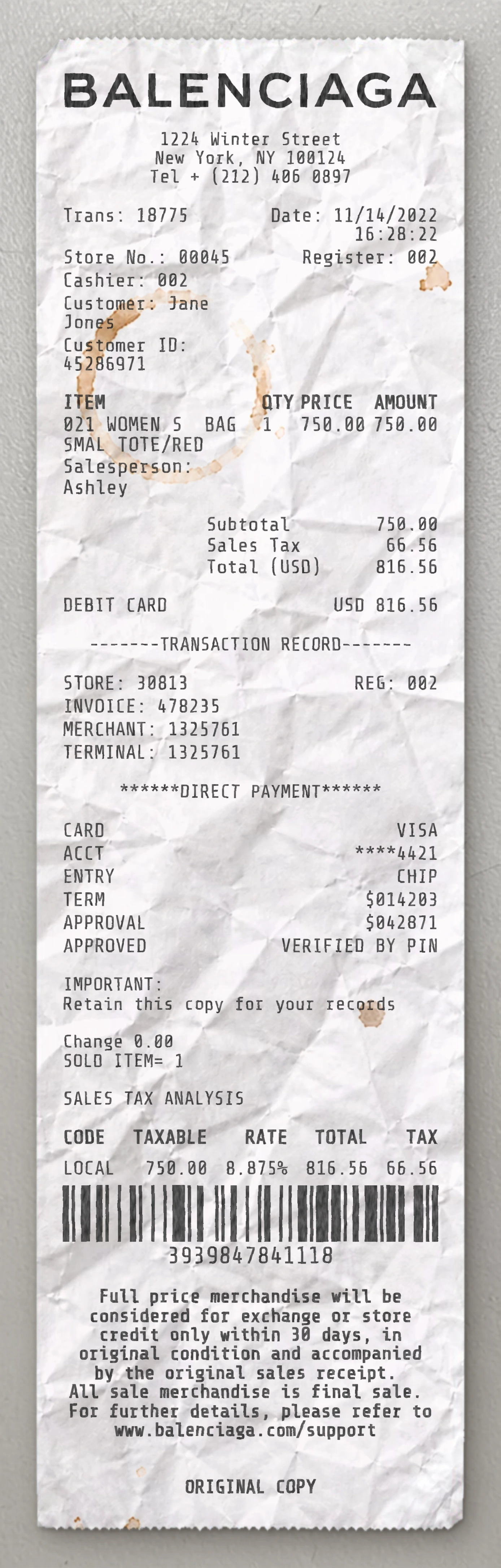
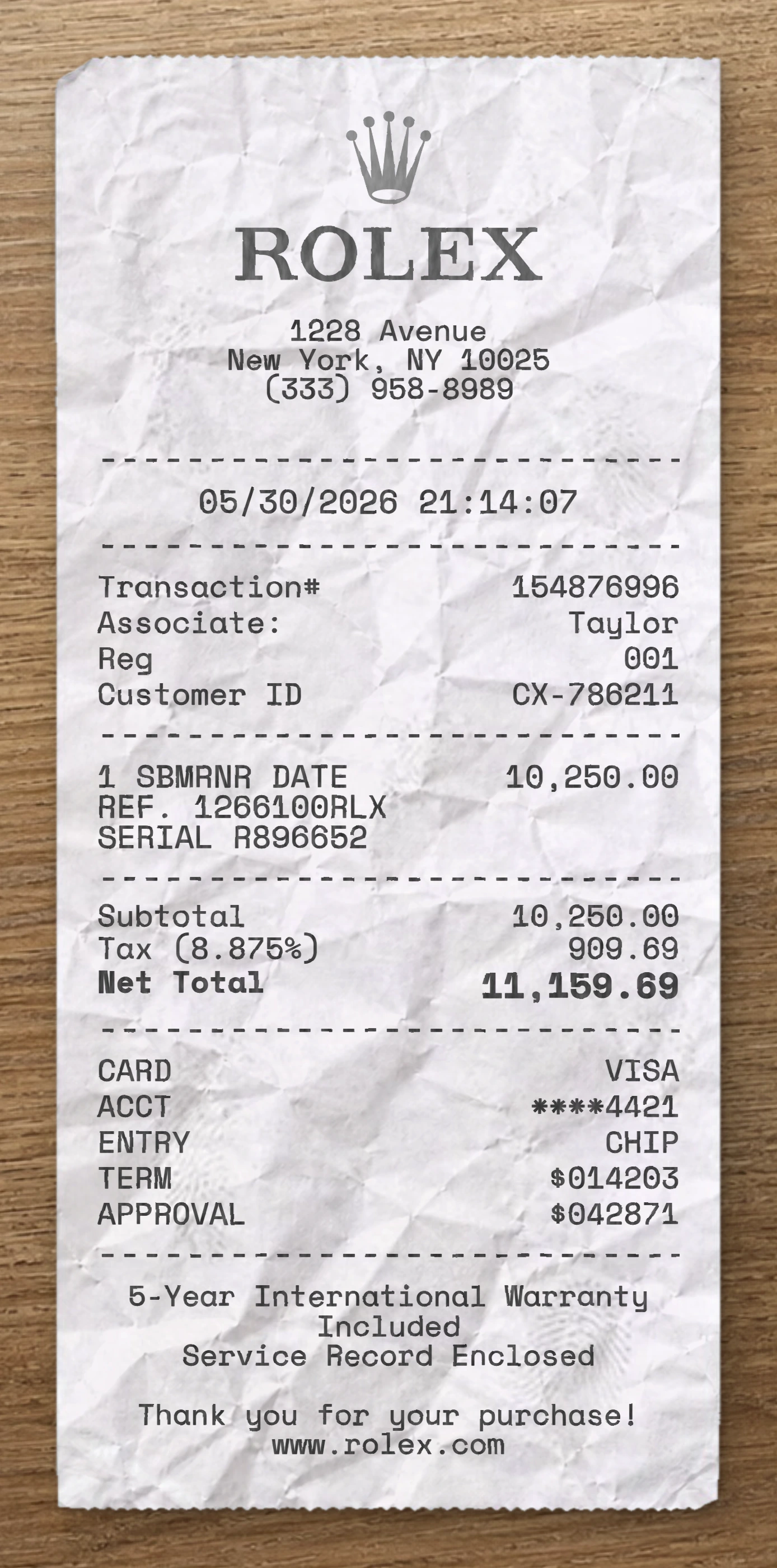
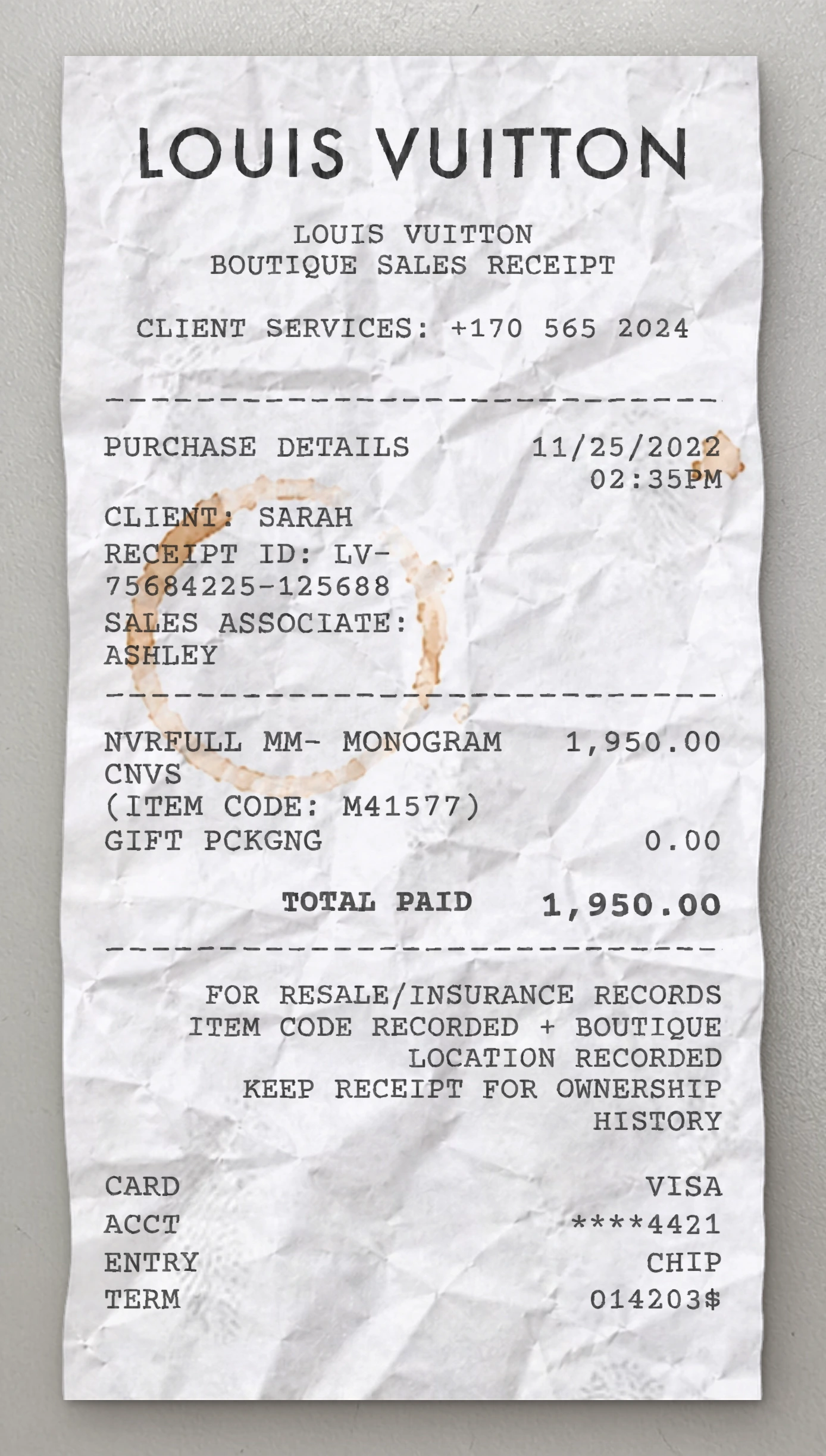
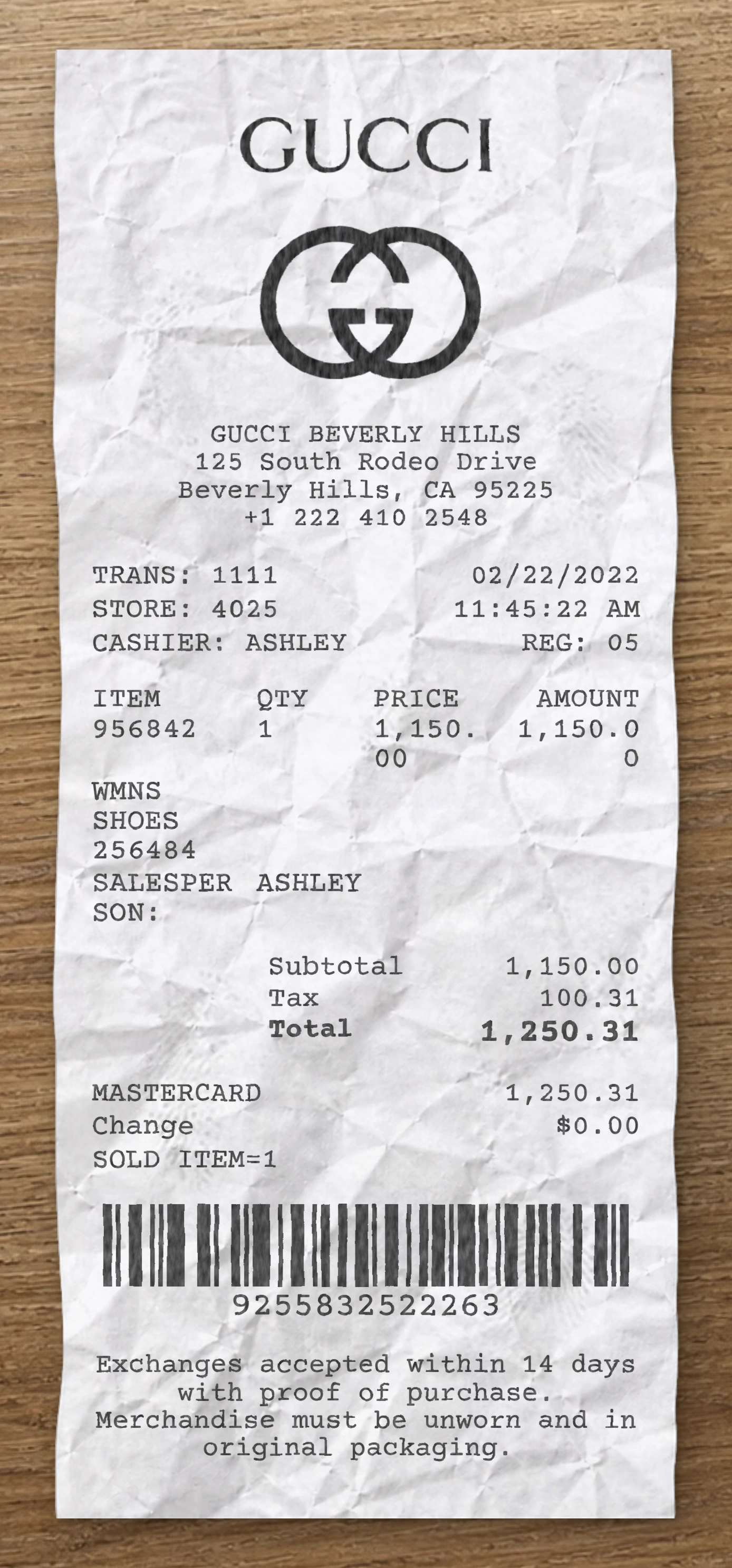
Same level of detail. Each template below is reverse-engineered from a real receipt and ready to customize.
With our receipt maker, create any bill as easy as 1, 2, 3.
Start with any receipt layout from the catalog. Each template is built from a real receipt and ready to customize.
Update the business details, line items, prices, dates, taxes, payment method and receipt styling directly in the editor.
Download the finished receipt as PNG, JPG or WEBP. Use it in an email, add it to a mockup, share it digitally or print it out.
Everything you need to know about editing, saving and exporting receipt templates.
Create realistic sample receipts for mockups, product demos, staff training, software testing, props and internal workflows. The tool is intended for legitimate, non-deceptive use only.
Yes. You can update business details, line items, prices, quantities, dates, taxes, totals, payment method, logos, fonts and styling options directly in the editor.
Yes. Create an account to save reusable receipt layouts, reopen previous drafts and reuse the same structure for future exports.
You can download the finished receipt as PNG, JPG or WEBP. Use the file in an email, presentation, mockup, digital workflow or print it when needed.
No. The receipt maker runs directly in your browser, so you can pick a template, edit it and export the result without installing anything.
Yes. You can replace logos, update names and addresses, change receipt details and adapt the layout so the sample document fits your project.
Real humans on standby. No chatbots, no canned replies. Tell us what you're building and we'll point you in the right direction.