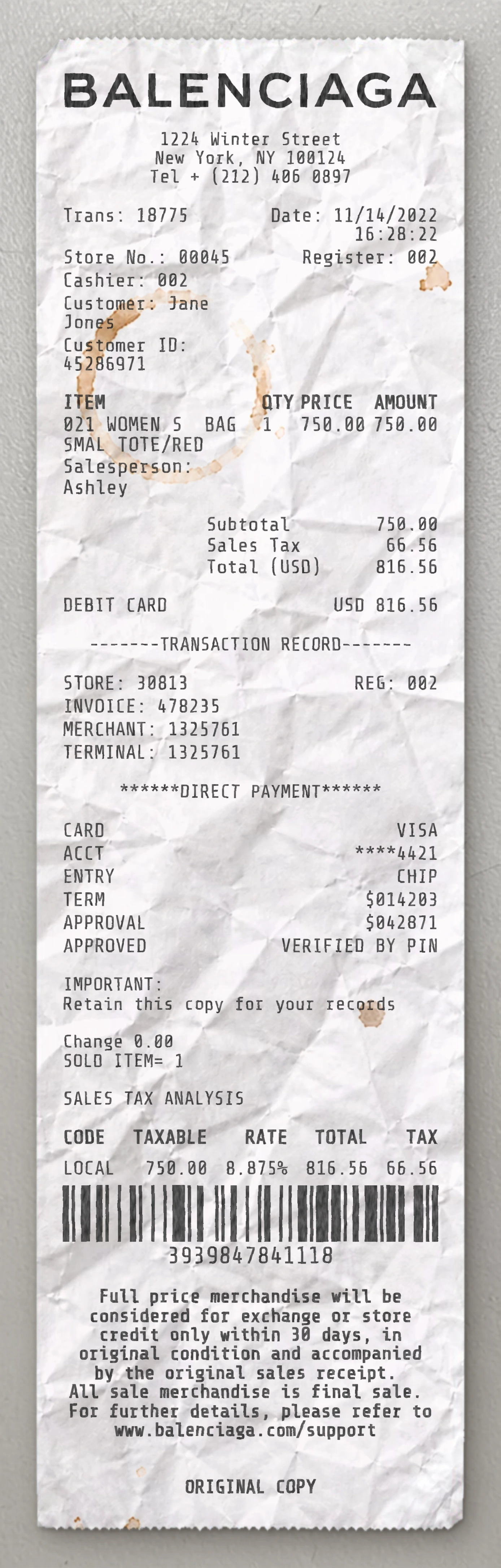
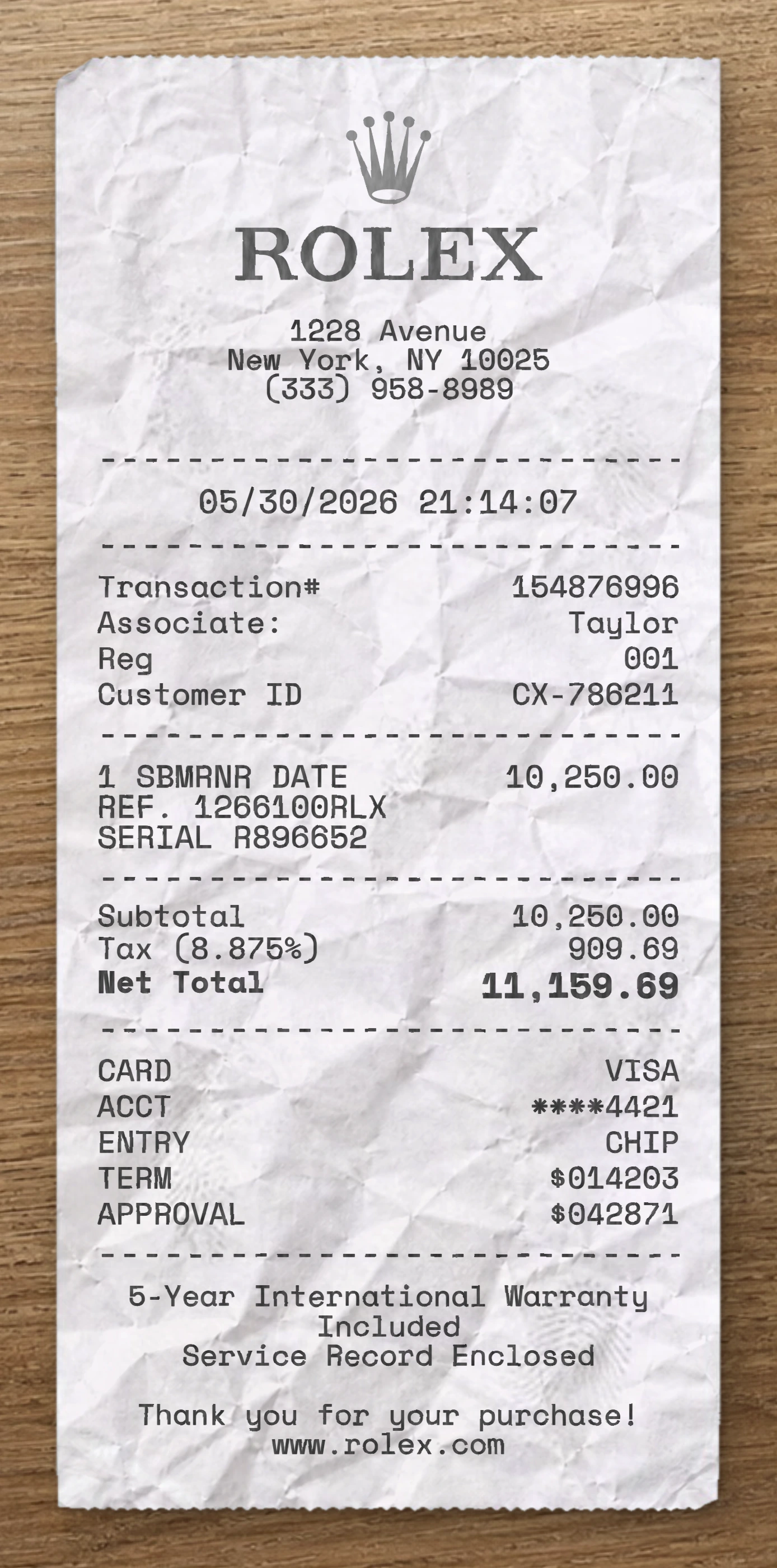
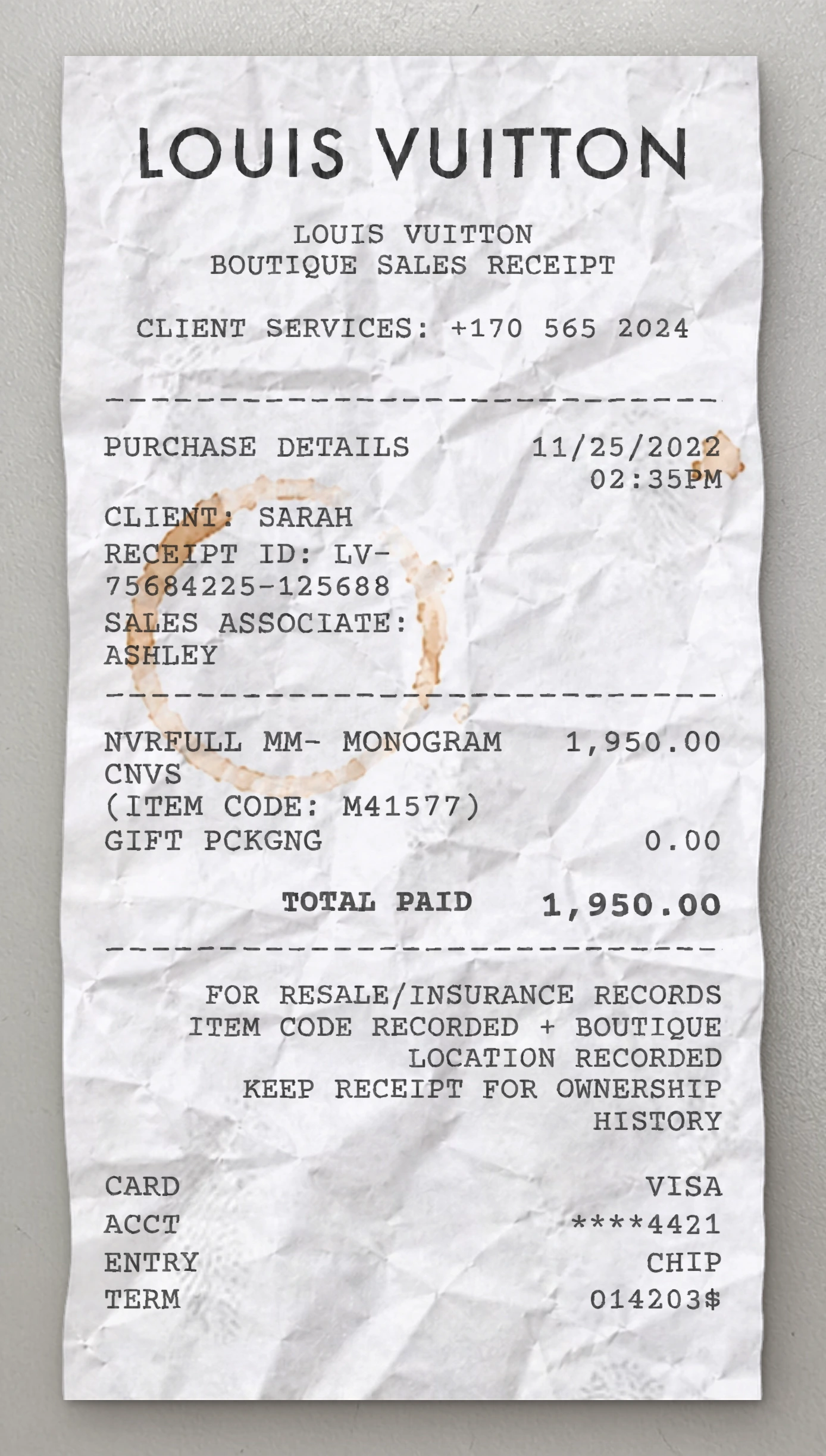
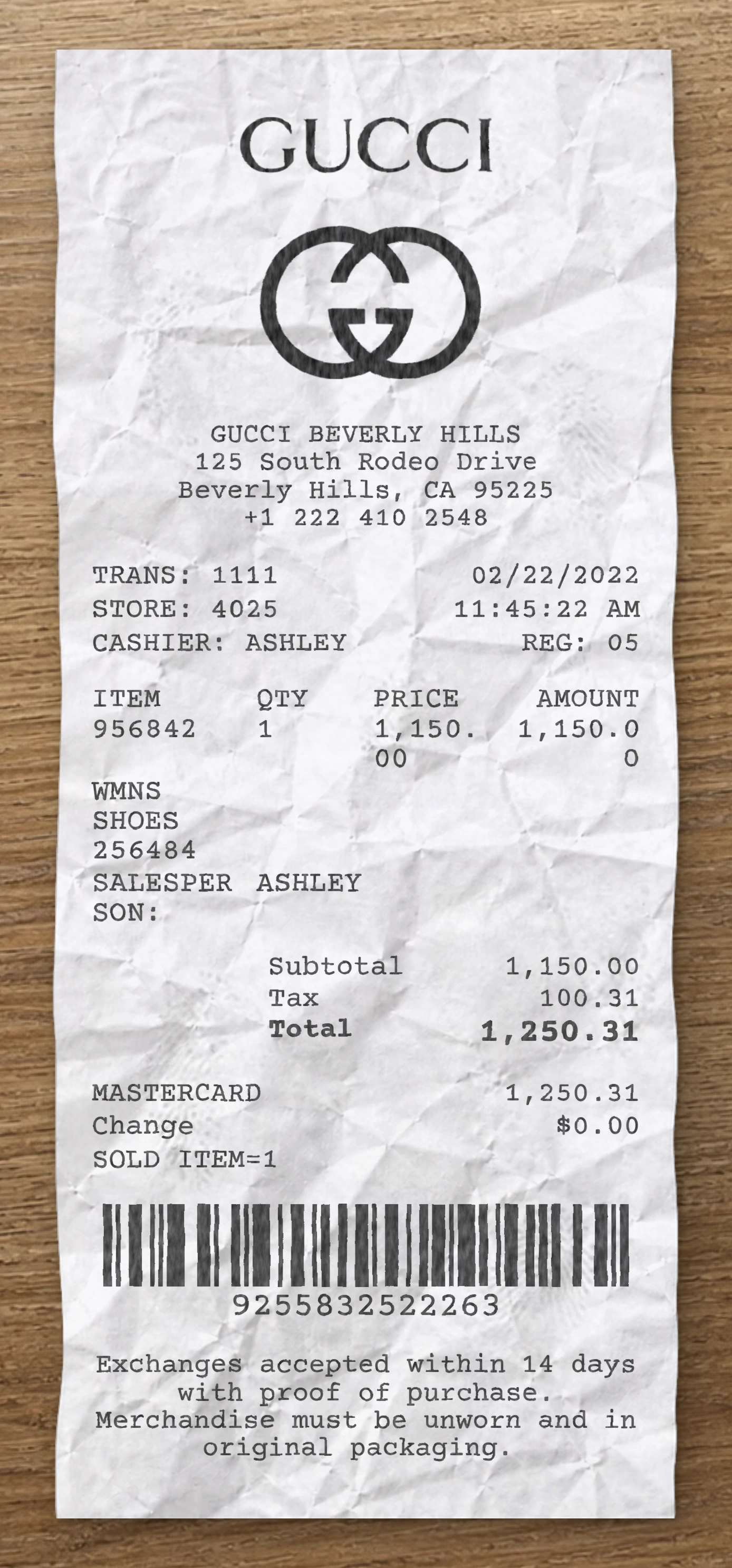
Use our free Journeys receipt maker to customize every element of this template. Edit item names, prices, quantities, tax rates, store location, date and payment method to match your needs.
This Journeys receipt template is built from a real fashion receipt. This Journeys fake receipt template is based on a real youth footwear retail receipt from Journeys, specifically a refund receipt covering a returned pair of Vans Old Skool sneakers credited back to a Mastercard. The header features the distinctive "Journeys" wordmark logo centered at the top — a graffiti-style brushstroke typeface with downward arrow accents woven through the letters, reflecting the brand's skate/punk youth culture aesthetic. Below the logo, a centered four-line block prints the store number ("JOURNEYS #0042"), the mall branch name ("LENOX SQUARE"), the street address with suite number, the city, state, and ZIP code on its own row, and the store phone number. The transaction metadata appears next as a left-aligned block with a two-column layout: Store and Register numbers on the first row, Date and Time on the second, then Transaction number and Cashier ID each on their own lines beneath. The transaction section uses a four-column tabular layout with column headers "Item | Qty | Price | Amount". The line item is formatted across multiple wrapped rows: the product name on the first row ("VANS OLD SKOOL"), the style/color/size SKU on the second row, then indented attribute rows for SIZE and WIDTH. Quantity, unit price, and extended amount are right-aligned on the WIDTH row. All monetary values appear in parentheses — accounting notation indicating the negative values of a refund (74.99) rather than a sale. The financial summary continues the parenthetical refund notation: Subtotal (74.99), a tax line showing the rate inline ("Tax 8.90%:") with the refunded tax amount (6.67), and Total (81.66) — confirming the full refund amount credited back. A full-width dashed separator closes the summary. The payment block uses a left-aligned vertical column: "Mastercard Credit Card" tender label wrapping across two lines, the masked card number on its own row, Auth # code, Transaction Type explicitly labeled "Refund", Auth Time, and a Change line showing $0.00. Another dashed separator follows. The footer opens with a centered "Journeys gives you 365 days to decide!" return policy headline, followed by a wrapped policy paragraph detailing the 365-day refund/exchange window with original receipt requirement, the shipping charges exclusion, and a note that international returns are not accepted. A full-width product barcode is rendered at the very bottom with its numeric value printed beneath in widely spaced characters. Use our free Journeys fake receipt generator to customize every element of this fake receipt template — edit item names, prices, quantities, tax rates, store location, date, and payment method to match your needs. The Journeys fake receipt maker is ideal for testing, design mockups, training materials, and educational purposes. Generate a fake Journeys receipt instantly, export it as a PNG or PDF, print it right away, and reuse it as many times as you need. No software to download, no sign-up required.
Use our free Journeys receipt maker to customize every element of this template. Edit item names, prices, quantities, tax rates, store location, date and payment method to match your needs.
The Journeys receipt generator is ideal for testing, design mockups, training materials and educational purposes. Export your custom Journeys receipt as a PNG, WEBP or JPG, print it instantly, and reuse it as many times as you need. No software to download, no sign-up required.
Same level of detail. Each template below is reverse-engineered from a real receipt and ready to customize.
With our receipt maker, create any bill as easy as 1, 2, 3.
Start with any receipt layout from the catalog. Each template is built from a real receipt and ready to customize.
Update the business details, line items, prices, dates, taxes, payment method and receipt styling directly in the editor.
Download the finished receipt as PNG, JPG or WEBP. Use it in an email, add it to a mockup, share it digitally or print it out.
Everything you need to know about editing, saving and exporting receipt templates.
Create realistic sample receipts for mockups, product demos, staff training, software testing, props and internal workflows. The tool is intended for legitimate, non-deceptive use only.
Yes. You can update business details, line items, prices, quantities, dates, taxes, totals, payment method, logos, fonts and styling options directly in the editor.
Yes. Create an account to save reusable receipt layouts, reopen previous drafts and reuse the same structure for future exports.
You can download the finished receipt as PNG, JPG or WEBP. Use the file in an email, presentation, mockup, digital workflow or print it when needed.
No. The receipt maker runs directly in your browser, so you can pick a template, edit it and export the result without installing anything.
Yes. You can replace logos, update names and addresses, change receipt details and adapt the layout so the sample document fits your project.
Real humans on standby. No chatbots, no canned replies. Tell us what you're building and we'll point you in the right direction.