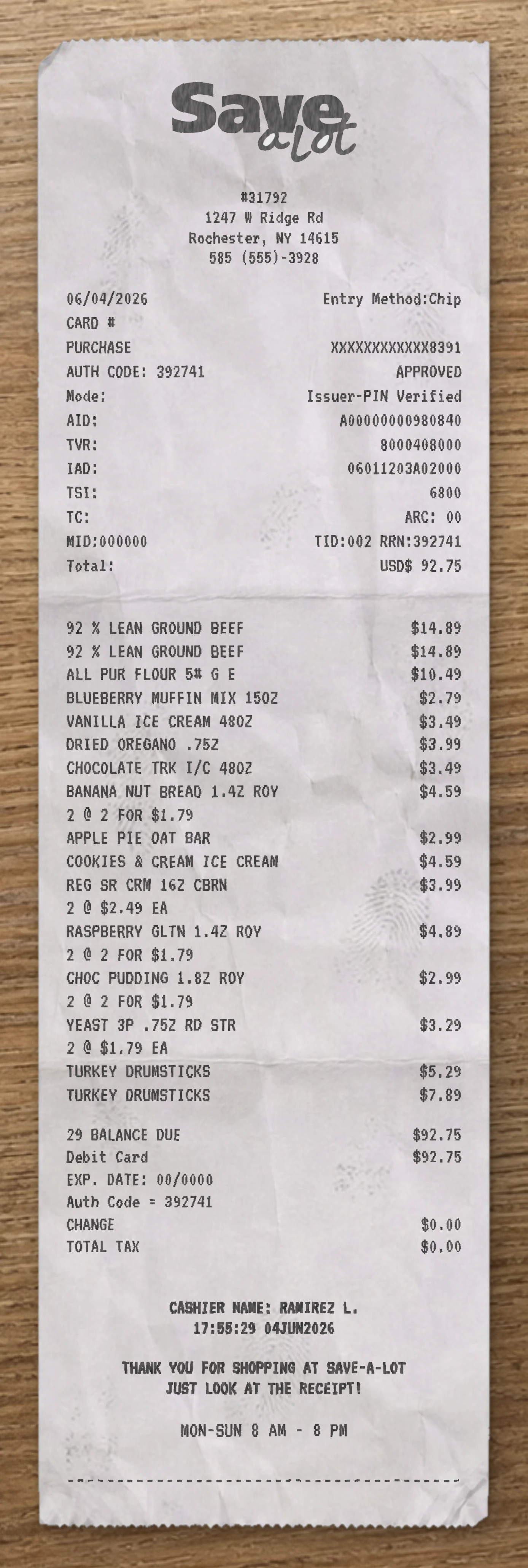
Use our free Stater Bros. receipt maker to customize every element of this template. Edit item names, prices, quantities, tax rates, store location, date and payment method to match your needs.
This Stater Bros. receipt template is built from a real grocery receipt. This Stater Bros. fake receipt template is based on a real supermarket grocery receipt from Stater Bros. Markets, capturing a twelve-item produce-heavy basket with weighed items, wine, frozen vegetables, and bottle-deposit fees, paid via Mastercard. The header features the Stater Bros. logo centered at the top — the brand's signature "STATER BROS." wordmark rendered in heavy bold uppercase geometric sans-serif with a distinctive underline stroke beneath the letterforms, paired with the lowercase "markets" descriptor offset to the right in lighter weight, forming the chain's recognizable two-tier print identity. Below the logo, a centered five-line block prints the street address, the store phone number with parenthesized area code, a wrapped "MANAGER" label flanked by asterisks, the store manager full name on its own row, and "Store # 178" centered below. The transaction metadata follows as a two-column block: "Cashier:" with the cashier first name and last initial on the left and time stamp right-aligned, then the transaction date on its own row. The transaction section uses a left-description, right-price layout with tax-status flags ("T" for taxable, "F" for food/tax-exempt). The basket walks through: Barefoot Merlot wine ($12.99 T), Dannon Light Yogurt ($4.49 F), two Birds Eye Cauliflower units ($2.99 F each), Arrowhead Water 24-pack ($5.99 F), a "+CA REDEMP VA" bottle redemption deposit add-on ($1.20 F) attached to the water case for recycling deposit. Weighed produce items follow with an asterisk flag indicating PLU lookup: Mangoes Yellow ($7.00 F) with a sub-row showing weight and per-pound pricing ("2.34 lb @ 2.99 / lb"), Zucchini ($2.89 F) with "1.45 lb @ 1.99 / lb", and Avocado Hass ($4.12 F) with "1.18 lb @ 3.49 / lb". Bag charges close the items: two "BROUGHT BAGS" lines at $0.00 (reusable bag credit) and one "POLY REUSABLE BA" at $0.10. The financial summary lists left-labeled, right-aligned rows: "SUBTOTAL" ($44.76), "TOTAL TAX" ($1.14, applied to the wine), and "TOTAL DUE" ($45.90). The payment block shows "Mastercard TENDER" ($45.90), "CASH CHANGE" ($0.00), and "Number OF ITEMS" (12). A dotted separator transitions to the electronic payment activity block, which prints a comprehensive payment audit trail. A centered three-line header repeats the store identity and "**Electronic Payment Activity**" before stacking left-labeled rows: "Mach" machine ID, "TerminalID:", "Purchase" with dollar-formatted amount, "Mastercard" tender type with "Exp Date **/**" right-aligned (masked), a masked PAN ("#SXXXXXXXXXXX5293") with "Cashier #" right-aligned, "Auth #" with authorization code on the left and the cashier number right-aligned, "Lane #" with "Ref/Seq #" right-aligned, the date-time stamp with sequence number right-aligned, and an "EPS Sequence #" on its own row. Asterisk separator lines bracket a final transaction summary row spanning the width: date, "Oper #" (operator), and "Trx #" transaction number across the top, operator number on its own indented line, then time, "Term #" (terminal), and "Store #" on the bottom. The footer prints a centered closing message ("PLEASE RETAIN RECEIPT FOR ALL REFUNDS / YOU CAN ACCESS YOUR / WEEKLY AD ANYTIME AT / STATERBROS.COM"). Use our free Stater Bros. fake receipt generator to customize every element of this fake receipt template — edit item names, prices, quantities, tax rates, store location, date, and payment method to match your needs. The Stater Bros. fake receipt maker is ideal for testing, design mockups, training materials, and educational purposes. Generate a fake Stater Bros. receipt instantly, export it as a PNG or PDF, print it right away, and reuse it as many times as you need. No software to download, no sign-up required.
Use our free Stater Bros. receipt maker to customize every element of this template. Edit item names, prices, quantities, tax rates, store location, date and payment method to match your needs.
The Stater Bros. receipt generator is ideal for testing, design mockups, training materials and educational purposes. Export your custom Stater Bros. receipt as a PNG, WEBP or JPG, print it instantly, and reuse it as many times as you need. No software to download, no sign-up required.
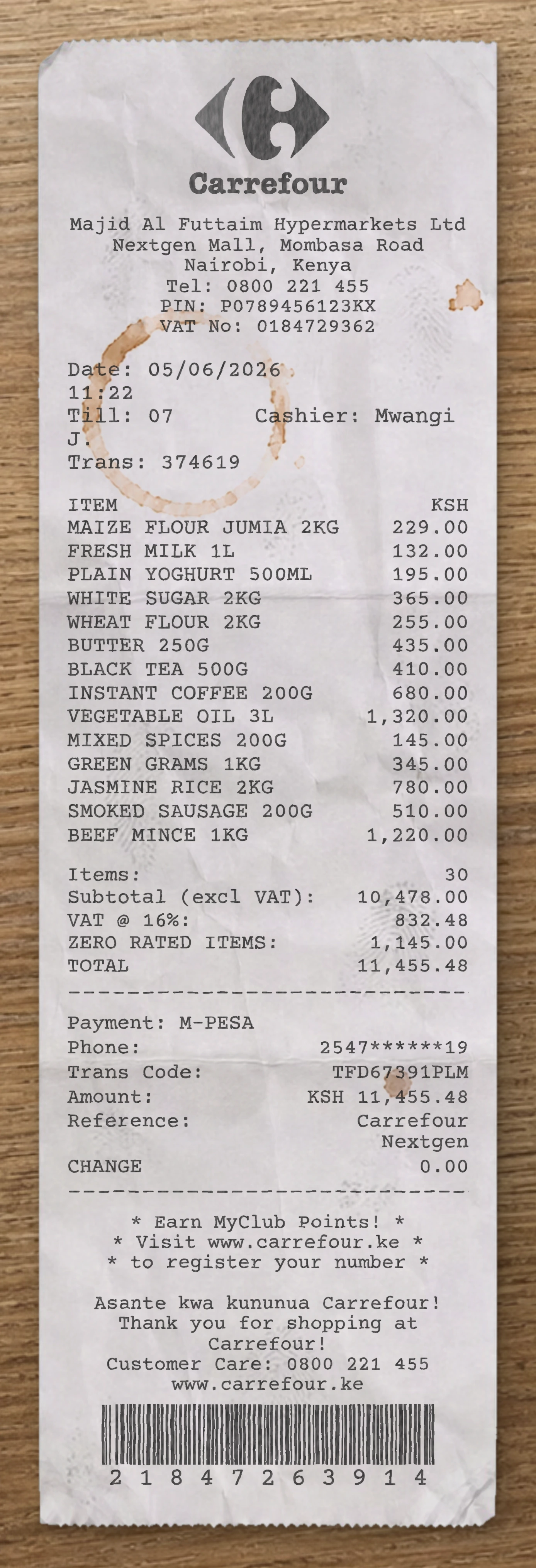
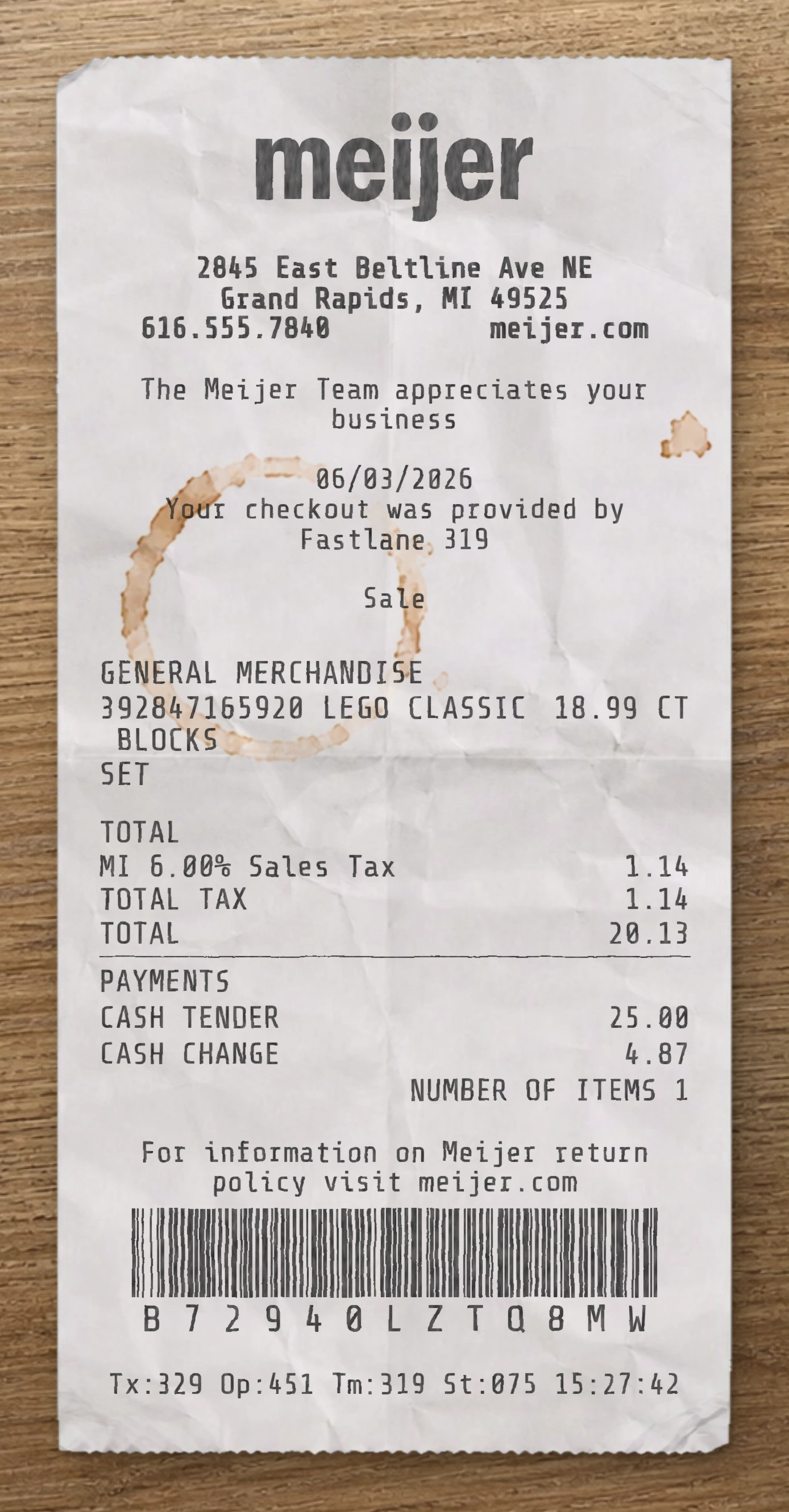
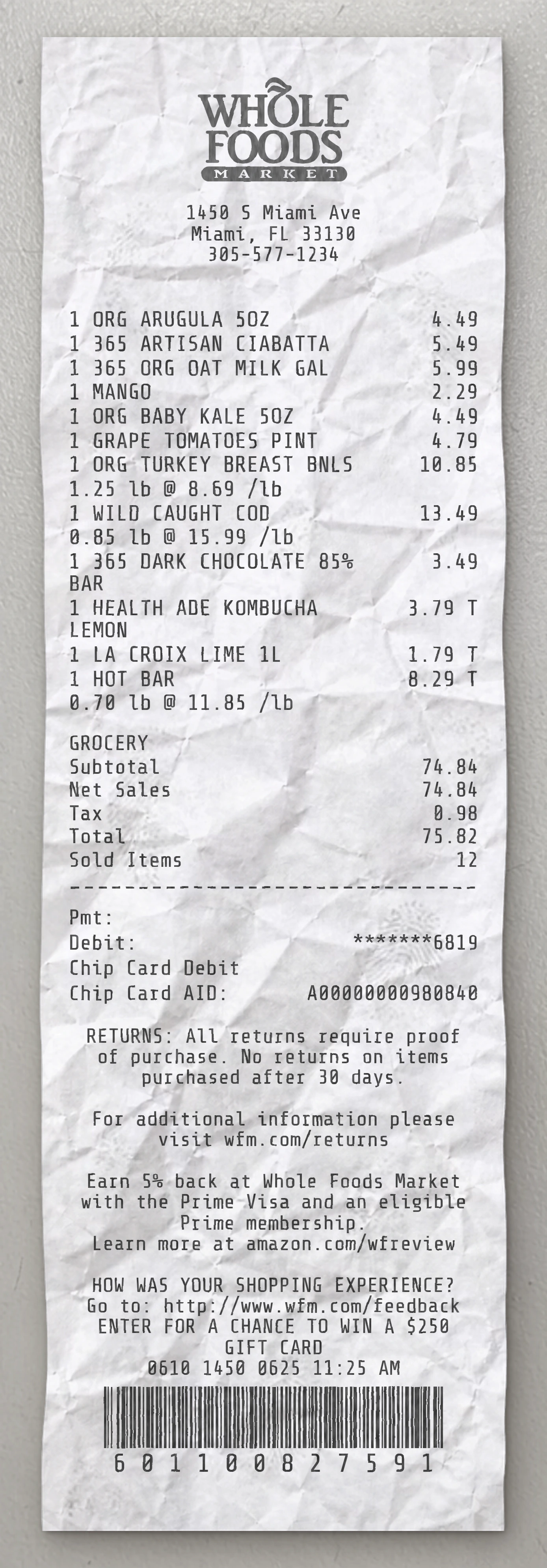
Same level of detail. Each template below is reverse-engineered from a real receipt and ready to customize.
With our receipt maker, create any bill as easy as 1, 2, 3.
Start with any receipt layout from the catalog. Each template is built from a real receipt and ready to customize.
Update the business details, line items, prices, dates, taxes, payment method and receipt styling directly in the editor.
Download the finished receipt as PNG, JPG or WEBP. Use it in an email, add it to a mockup, share it digitally or print it out.
Everything you need to know about editing, saving and exporting receipt templates.
Create realistic sample receipts for mockups, product demos, staff training, software testing, props and internal workflows. The tool is intended for legitimate, non-deceptive use only.
Yes. You can update business details, line items, prices, quantities, dates, taxes, totals, payment method, logos, fonts and styling options directly in the editor.
Yes. Create an account to save reusable receipt layouts, reopen previous drafts and reuse the same structure for future exports.
You can download the finished receipt as PNG, JPG or WEBP. Use the file in an email, presentation, mockup, digital workflow or print it when needed.
No. The receipt maker runs directly in your browser, so you can pick a template, edit it and export the result without installing anything.
Yes. You can replace logos, update names and addresses, change receipt details and adapt the layout so the sample document fits your project.
Real humans on standby. No chatbots, no canned replies. Tell us what you're building and we'll point you in the right direction.