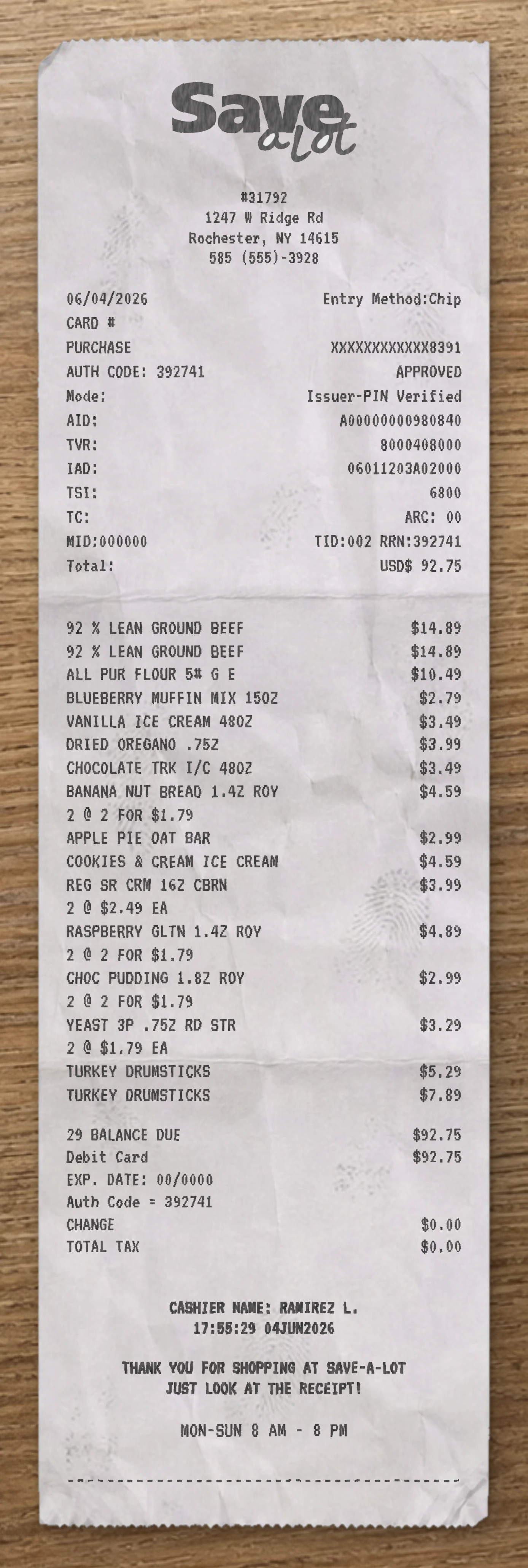
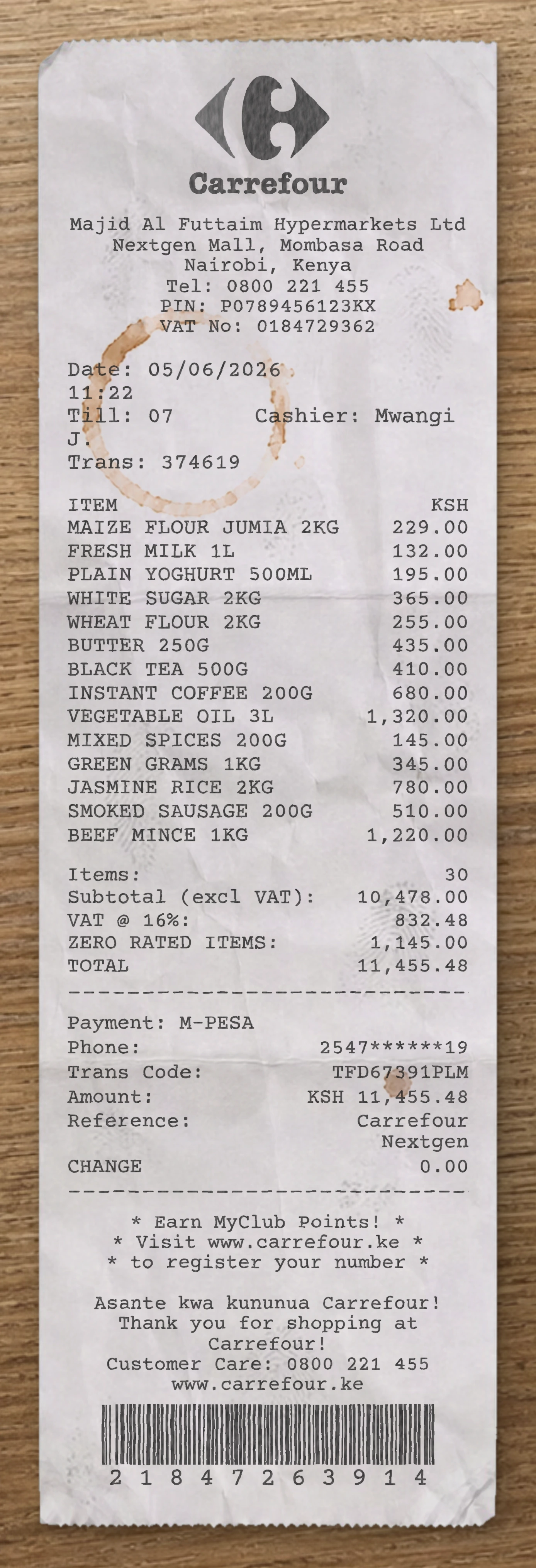
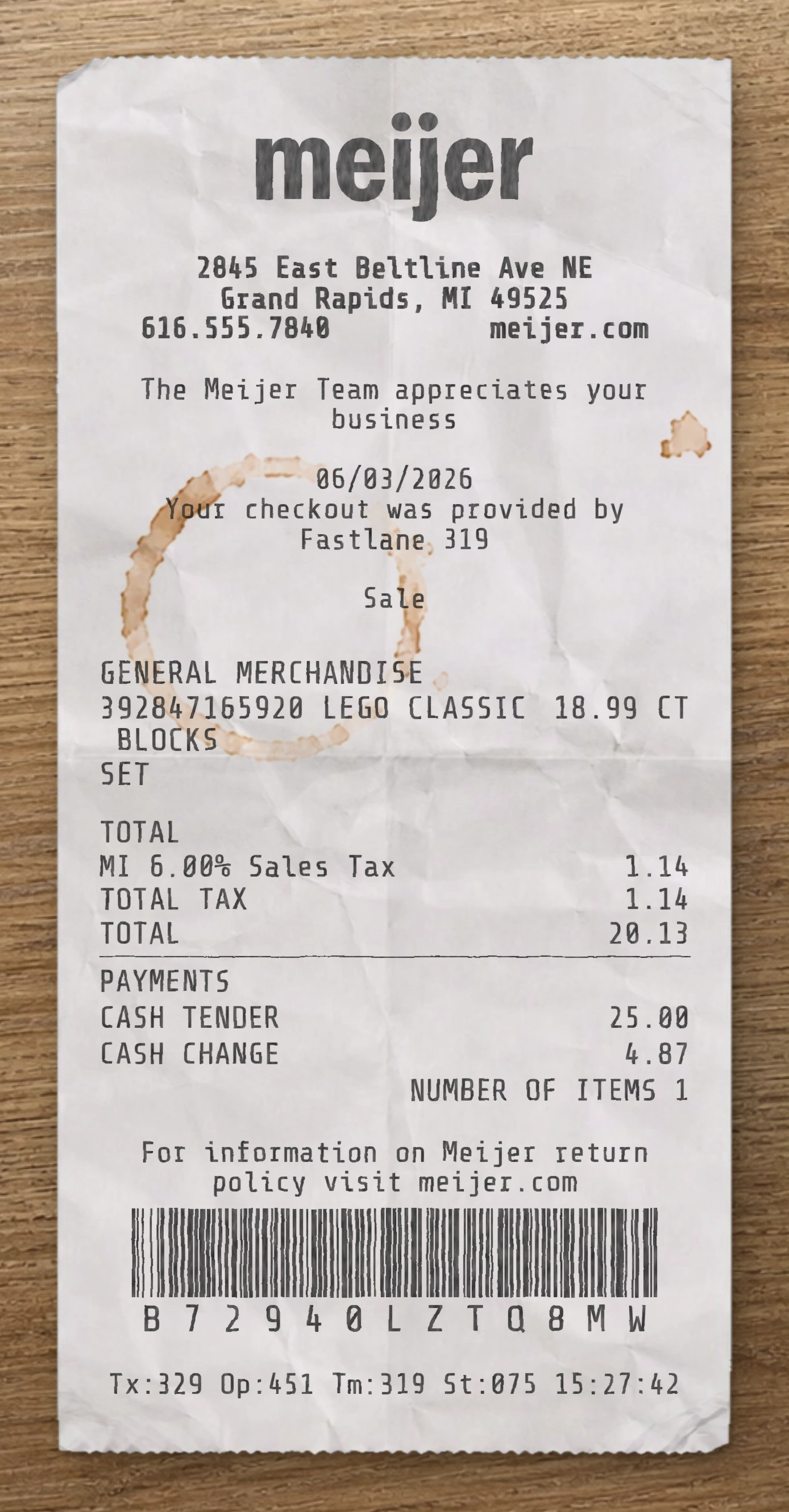
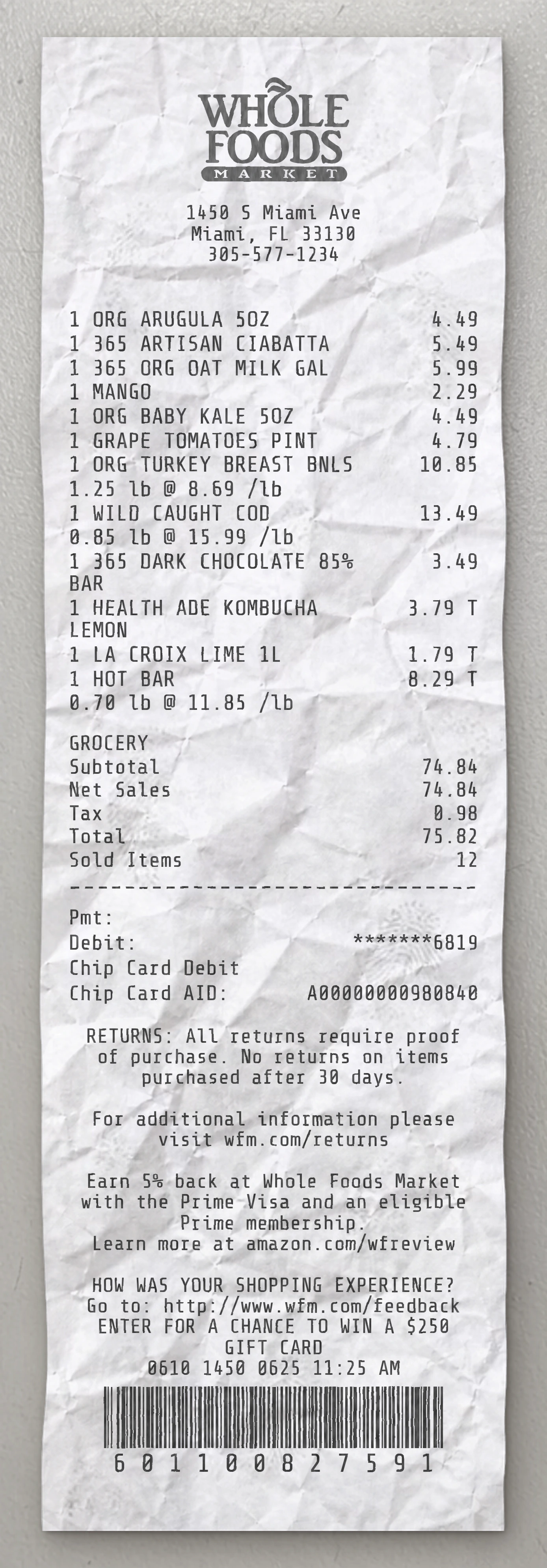
Use our free Supermarket receipt maker to customize every element of this template. Edit item names, prices, quantities, tax rates, store location, date and payment method to match your needs.
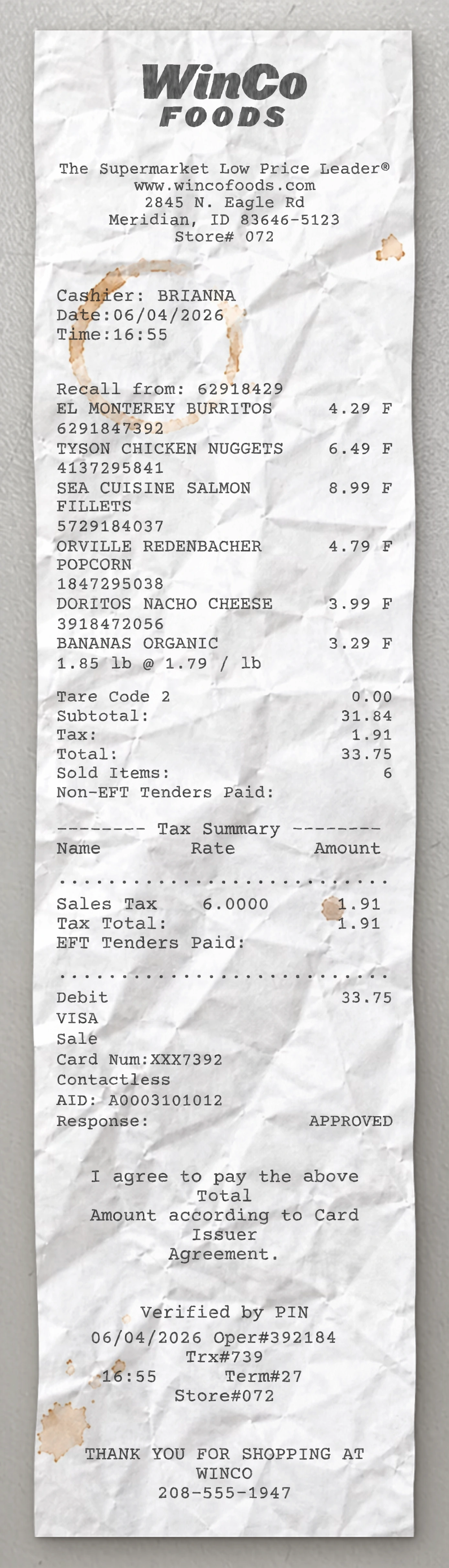
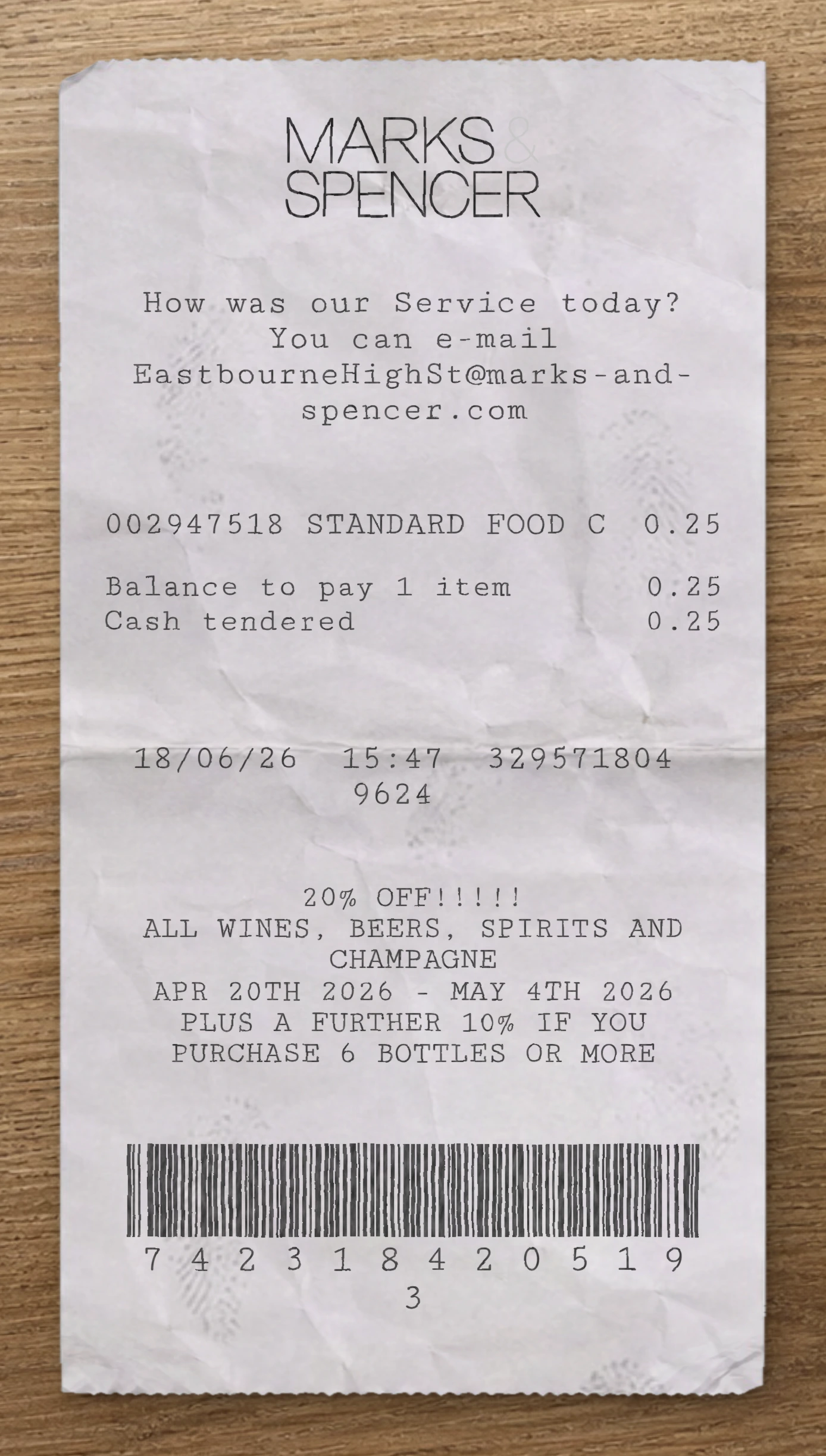
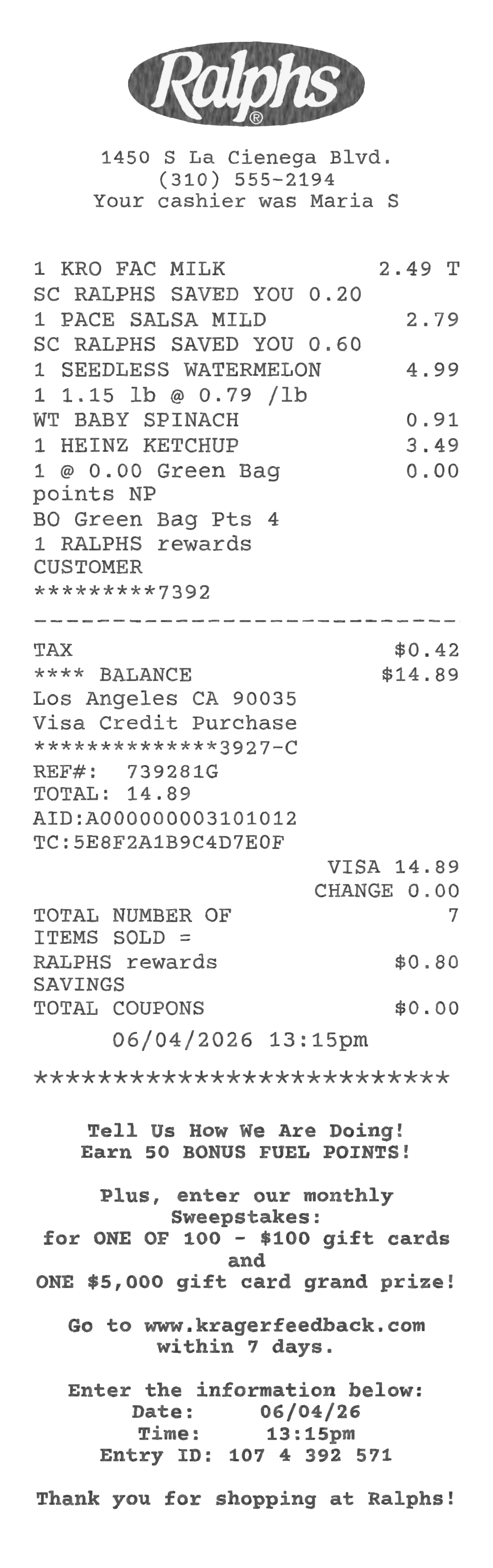
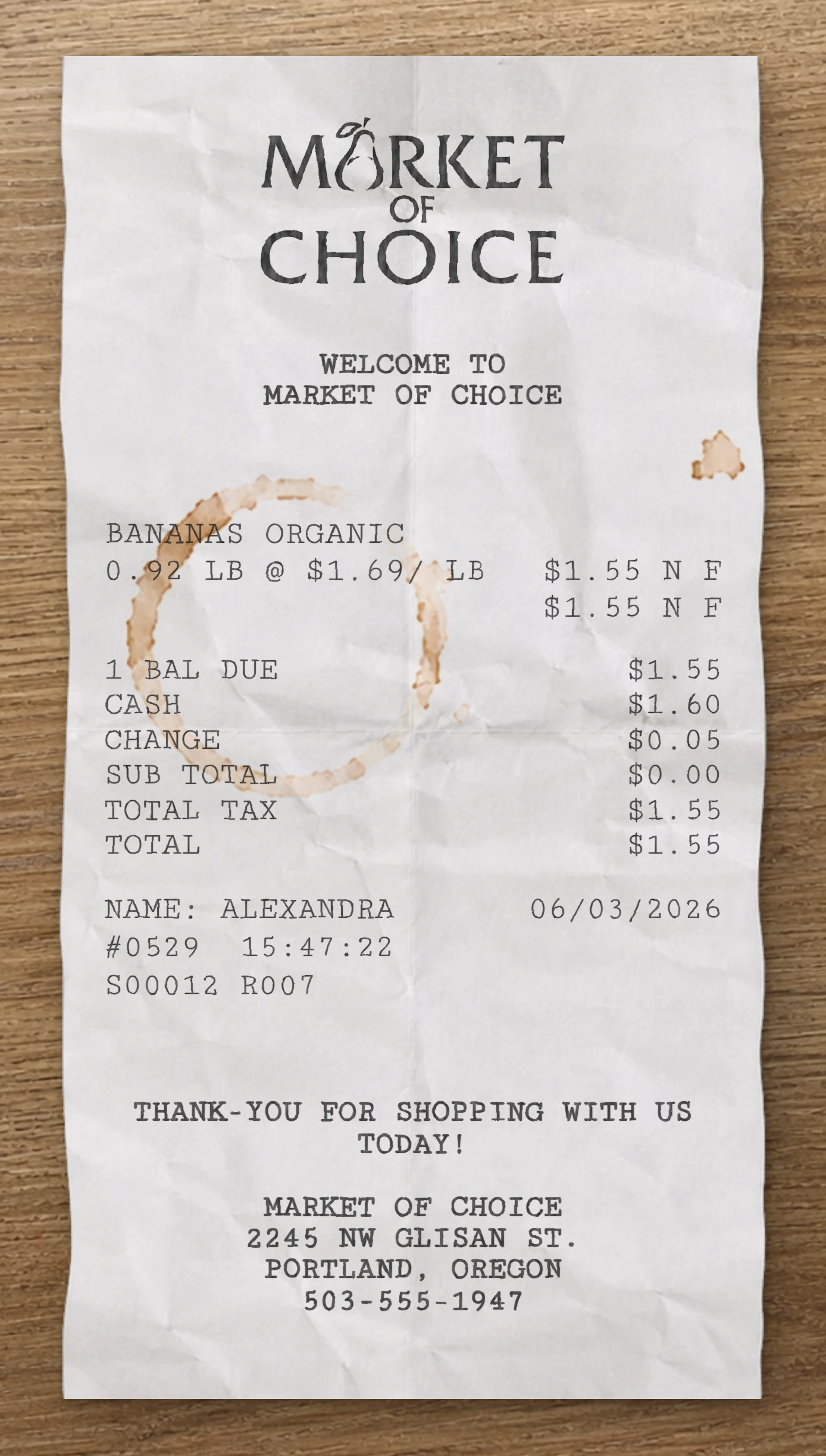
This Supermarket receipt template is built from a real grocery receipt. This Supermarket fake receipt template is based on a real generic supermarket receipt branded as FreshHarvest Market, capturing a five-item grocery basket of everyday essentials paid via contactless Visa card. The header features a stylized grocery cart icon centered at the top — a shopping cart silhouette with a circular dollar symbol badge floating above the basket — with a curved "MARKET" label ribbon beneath the cart graphic. The illustration sets a clean, neighborhood-grocery aesthetic. Below the icon, a centered four-line block prints the store name ("FreshHarvest Market"), the street address, the city, state, and ZIP code on its own row, the store phone number, and the website URL (www.freshharvestmarket.com). A centered "Supermarket Receipt" sub-header is followed by a "Receipt #:" line with the long numeric receipt identifier. A full-width dashed separator closes the header. The transaction section uses a clean three-element format per line item: quantity on the left, product description with size or unit in parentheses (e.g., "Oranges (per lb)", "Whole Milk (1 gal)", "Bread (Whole Wheat)", "Eggs (18-ct)", "Orange Juice (1 L)"), and the price right-aligned. Five line items appear stacked with generous vertical spacing. Another dashed separator closes the line items. The financial summary is left-labeled and right-aligned in a tight three-row stack: Subtotal ($22.74), Tax ($1.36), and Total ($24.10). The payment block follows with a left-label / right-value column format: CARD (VISA), ACCT (masked card number with last four digits, ****4421), ENTRY (Contactless), Date/time (with date and time stacked across two lines), Reference # (a long numeric value that wraps onto a second line), and Status (APPROVED). Another dashed separator marks the transition to the footer. The footer is dominated by a wrapped policy paragraph in narrow-column body text explaining that all purchases at FreshHarvestMarket are provided with a printed or digital receipt, that receipts serve as proof of purchase for returns, exchanges, and warranty claims, and that returns or exchanges are accepted within 14 days with a valid receipt. A "Thank you for choosing FreshHarvest!" sign-off wraps across two lines. The very bottom prints a centered final timestamp combining the date and full time of receipt printing, followed by a full-width product barcode with its numeric value printed beneath. Use our free Supermarket fake receipt generator to customize every element of this fake receipt template — edit item names, prices, quantities, tax rates, store location, date, and payment method to match your needs. The Supermarket fake receipt maker is ideal for testing, design mockups, training materials, and educational purposes. Generate a fake Supermarket receipt instantly, export it as a PNG or PDF, print it right away, and reuse it as many times as you need. No software to download, no sign-up required.
Use our free Supermarket receipt maker to customize every element of this template. Edit item names, prices, quantities, tax rates, store location, date and payment method to match your needs.
The Supermarket receipt generator is ideal for testing, design mockups, training materials and educational purposes. Export your custom Supermarket receipt as a PNG, WEBP or JPG, print it instantly, and reuse it as many times as you need. No software to download, no sign-up required.
Same level of detail. Each template below is reverse-engineered from a real receipt and ready to customize.
With our receipt maker, create any bill as easy as 1, 2, 3.
Start with any receipt layout from the catalog. Each template is built from a real receipt and ready to customize.
Update the business details, line items, prices, dates, taxes, payment method and receipt styling directly in the editor.
Download the finished receipt as PNG, JPG or WEBP. Use it in an email, add it to a mockup, share it digitally or print it out.
Everything you need to know about editing, saving and exporting receipt templates.
Create realistic sample receipts for mockups, product demos, staff training, software testing, props and internal workflows. The tool is intended for legitimate, non-deceptive use only.
Yes. You can update business details, line items, prices, quantities, dates, taxes, totals, payment method, logos, fonts and styling options directly in the editor.
Yes. Create an account to save reusable receipt layouts, reopen previous drafts and reuse the same structure for future exports.
You can download the finished receipt as PNG, JPG or WEBP. Use the file in an email, presentation, mockup, digital workflow or print it when needed.
No. The receipt maker runs directly in your browser, so you can pick a template, edit it and export the result without installing anything.
Yes. You can replace logos, update names and addresses, change receipt details and adapt the layout so the sample document fits your project.
Real humans on standby. No chatbots, no canned replies. Tell us what you're building and we'll point you in the right direction.