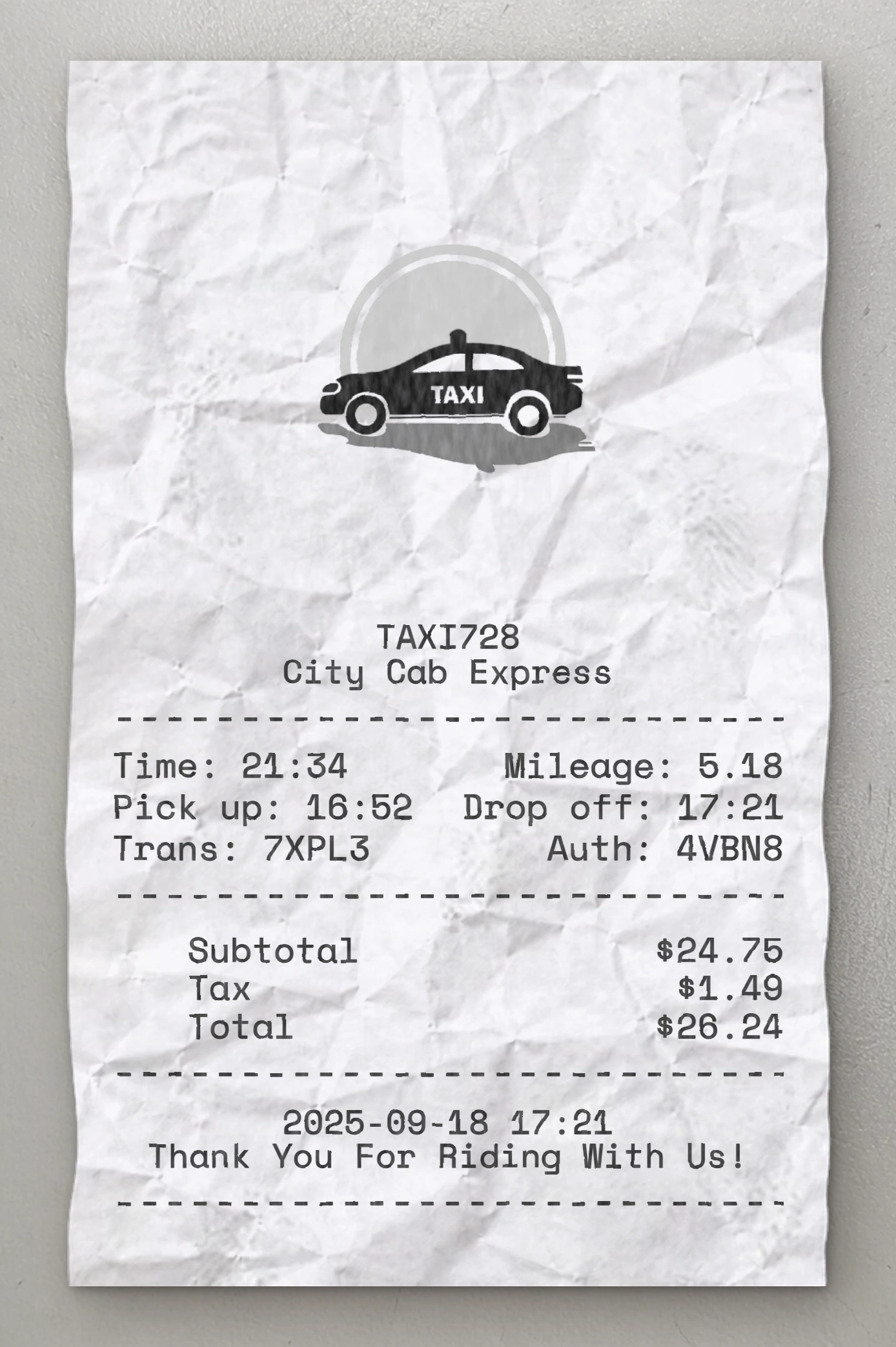
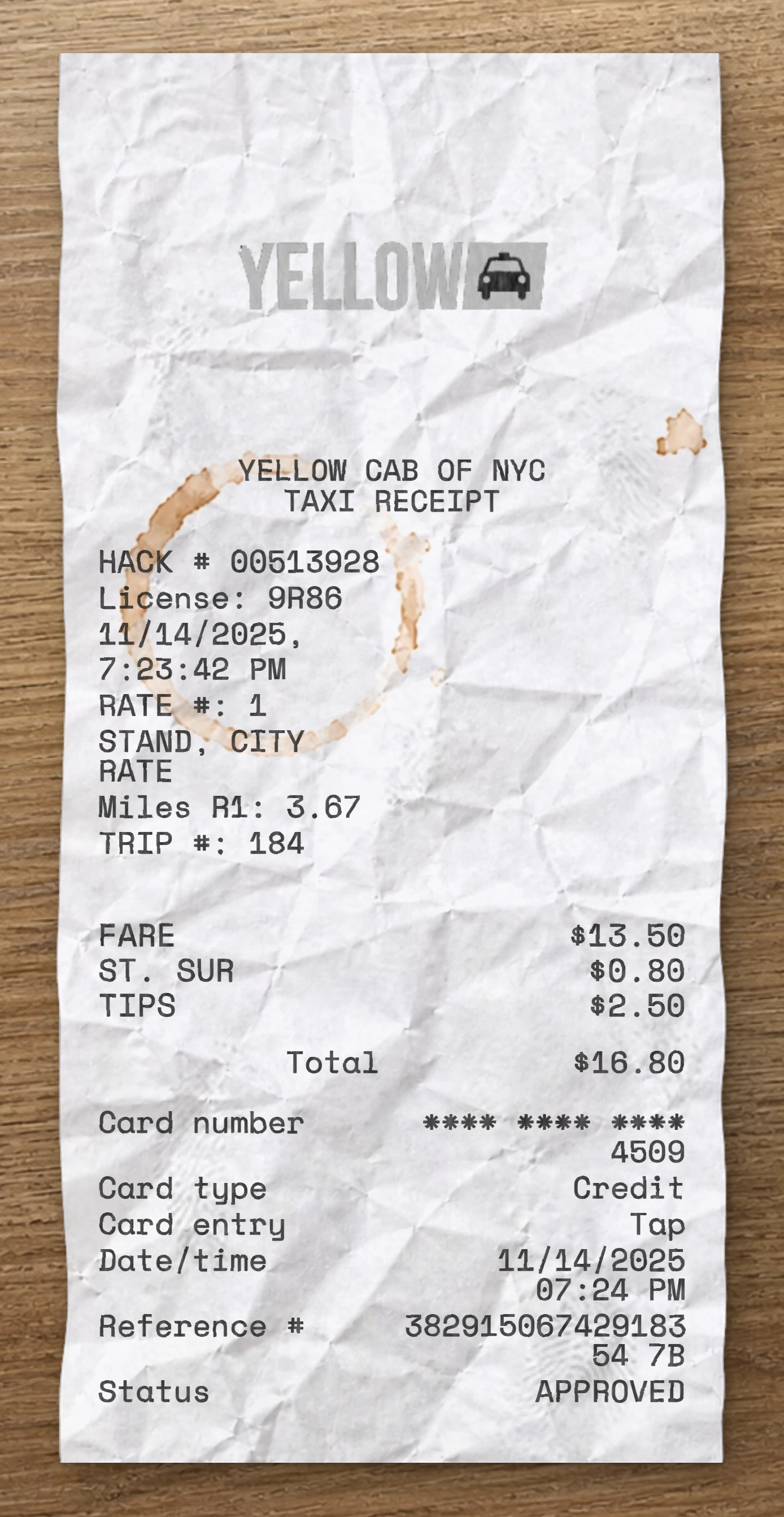
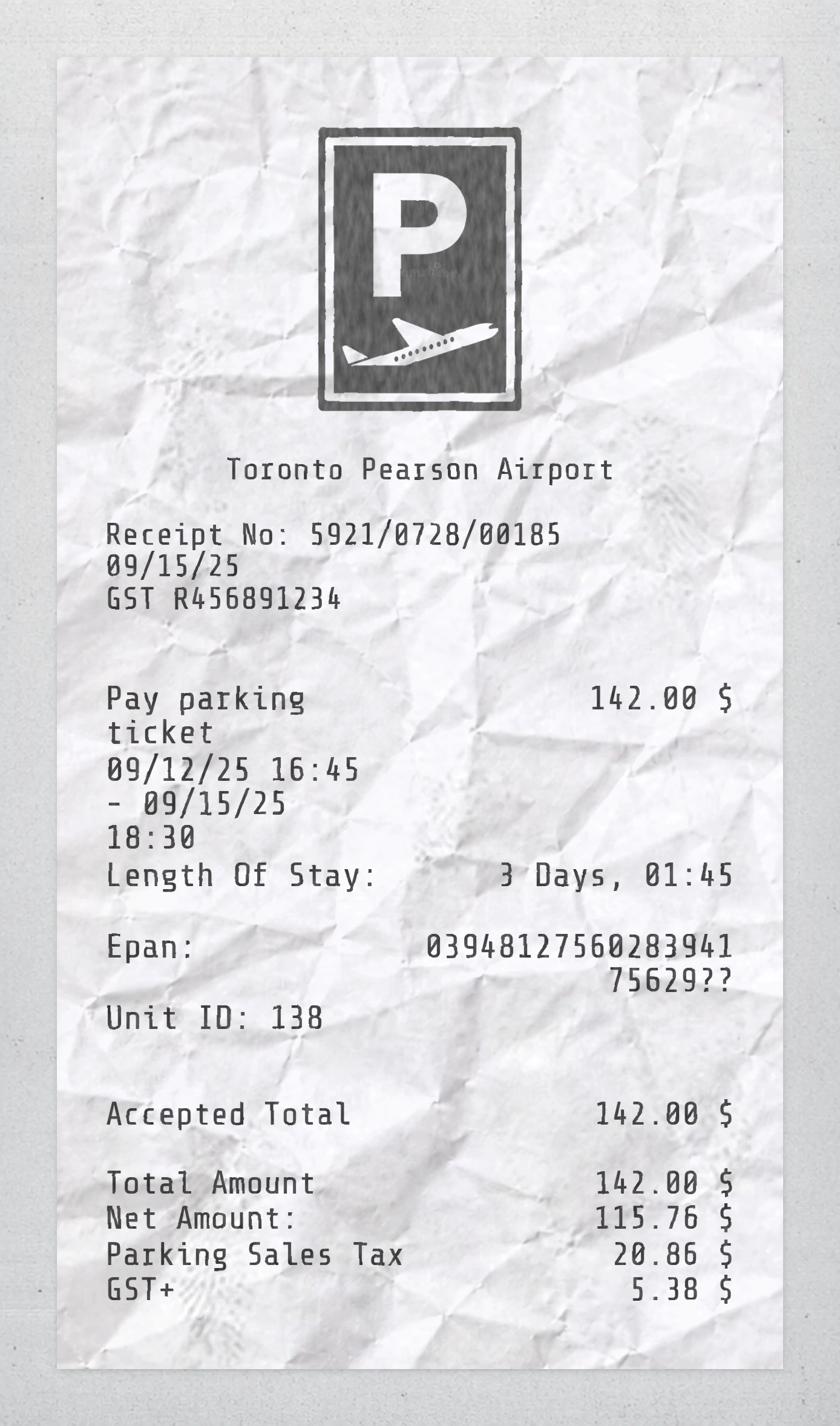
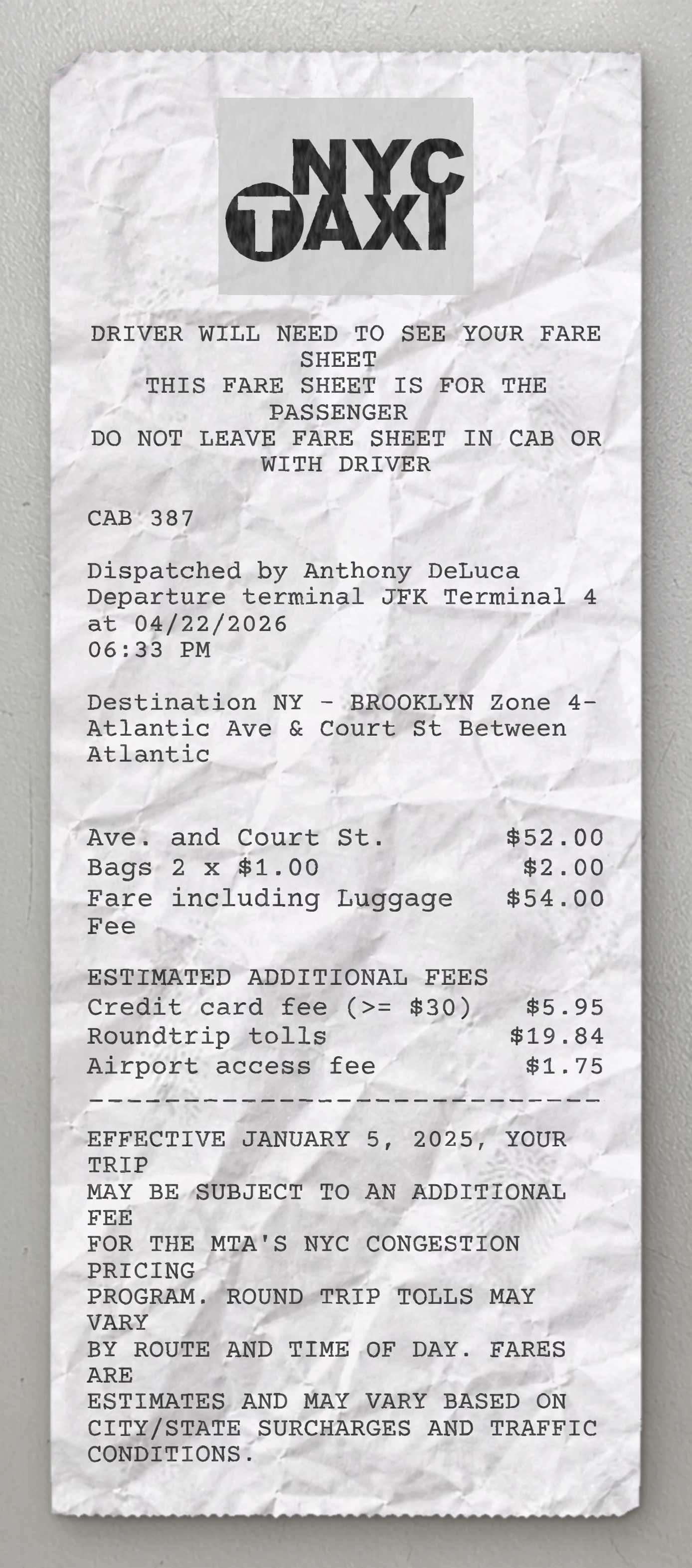
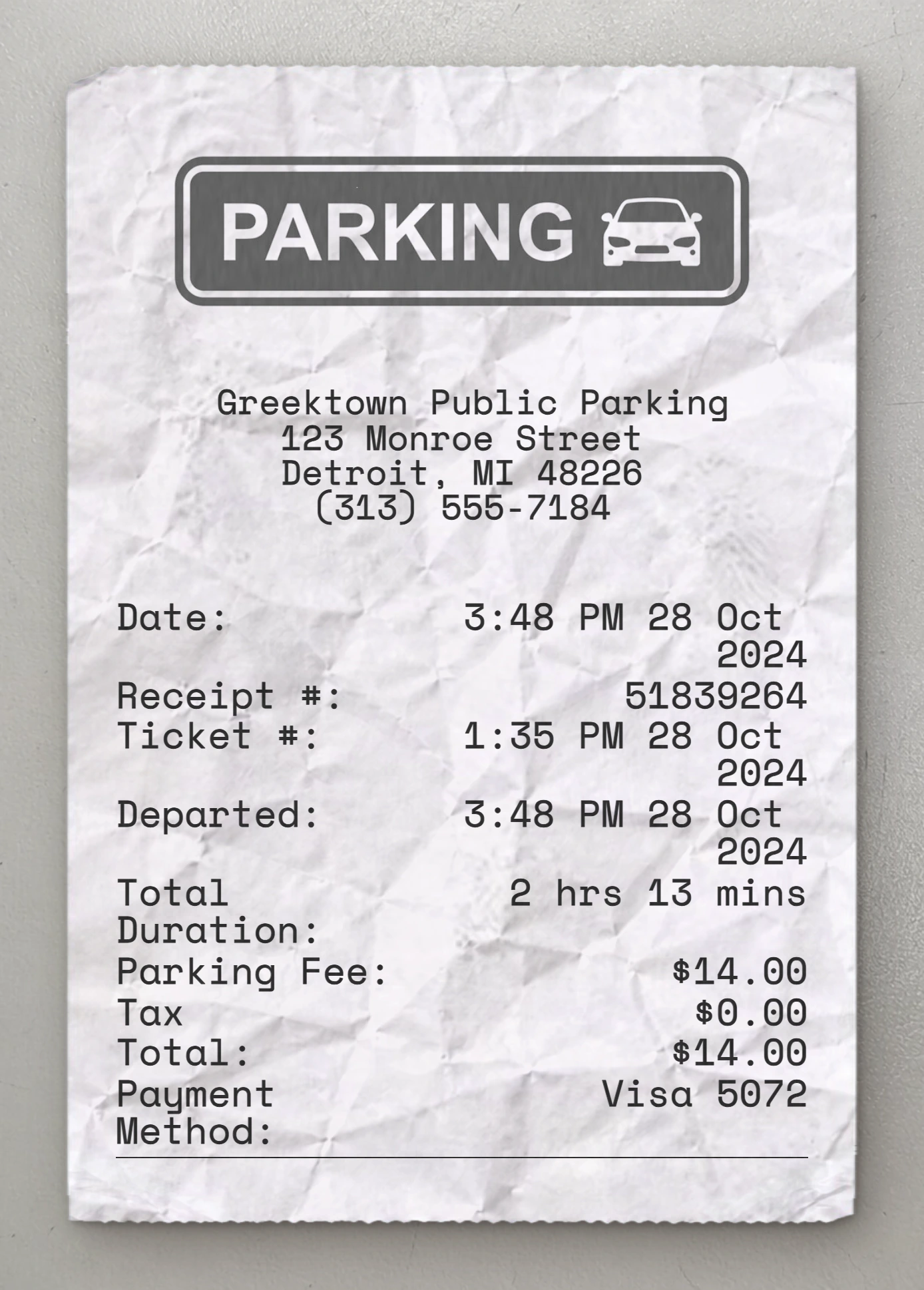
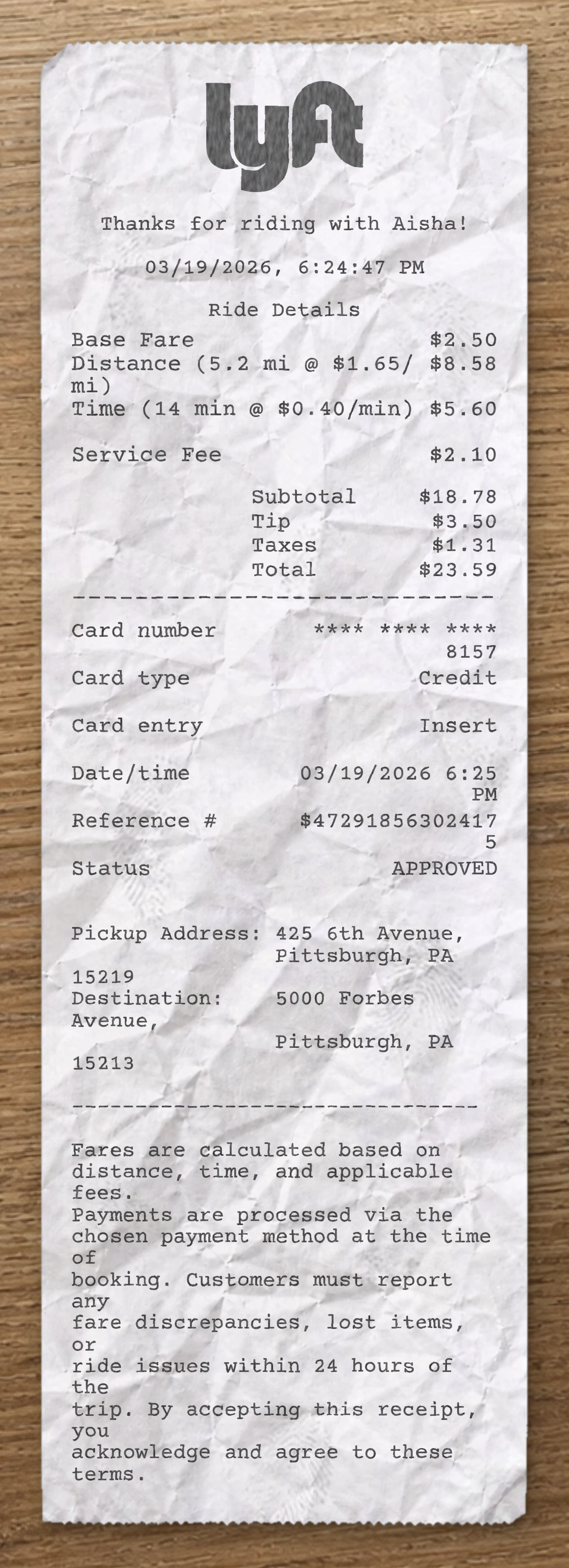
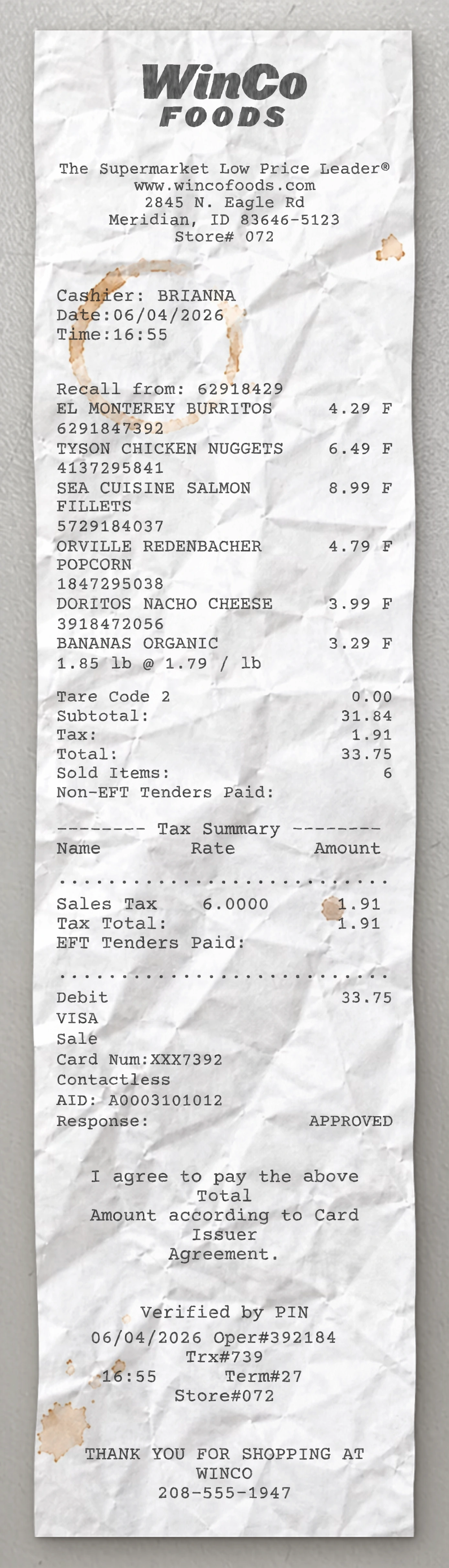
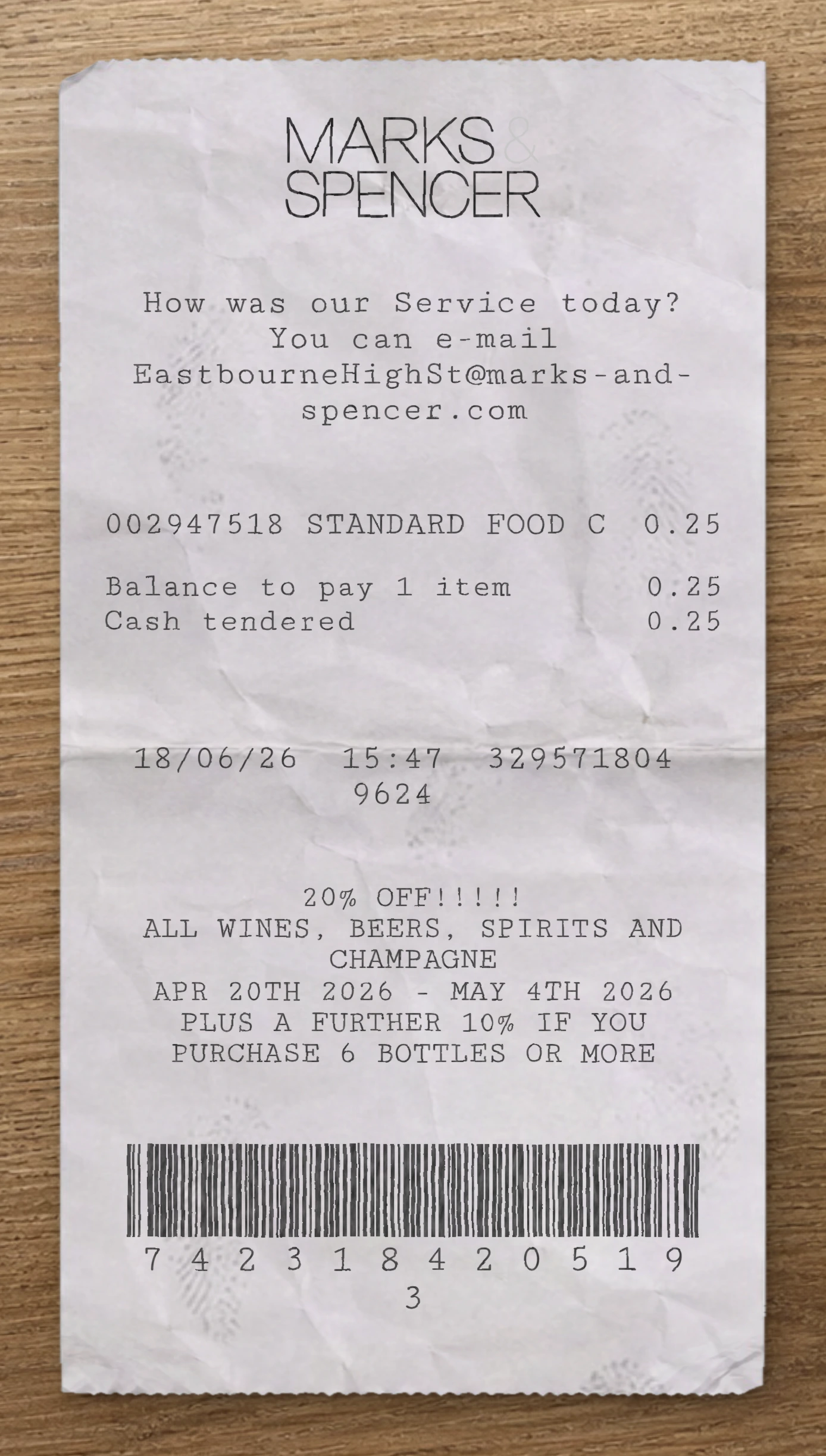
Use our free Uber receipt maker to customize every element of this template. Edit item names, prices, quantities, tax rates, store location, date and payment method to match your needs.
This Uber receipt template is built from a real other receipt. This Uber fake receipt template is based on a real rideshare receipt from Uber, capturing a single UberX trip with detailed regulatory fee breakdown, split into two payment authorizations on a Visa card. The header features the bold "Uber" wordmark logo top-left aligned in the brand's distinctive heavy lowercase sans-serif typeface — clean, modern, and immediately recognizable. Below the logo, the date appears in a "day month year" written-out format ("23 February 2026"). A personalized greeting block follows, addressed by first name ("Here's your receipt for your ride, Charlotte / We hope you enjoyed your ride this evening."), wrapping across two lines. The transaction section uses a left-labeled / right-aligned format with currency symbol prefixes ("A$") indicating the regional currency. The summary opens with a Total line at the top showing the headline charge (A$31.70), followed immediately by a Trip fare line breaking out the base ride amount (A$28.50). Below sits a Subtotal line confirming the base subtotal, then a stack of regulatory and service fees added by the platform: a regional CTP (compulsory third-party insurance) charge, a Temporary fuel surcharge, a regional Government Passenger Service Levy, and an Uber Booking fee — each on its own labeled row with the amount right-aligned. The Payments block uses a multi-line tender format. Each charge entry shows the bracketed card brand ("[VISA] Visa") and the masked card number with bullets ("••••3624") wrapping onto the next line, followed by the authorization date and time stacked beneath, with the charged amount right-aligned on the date row. Two payment entries appear — the primary charge processed the evening of the ride and a smaller follow-up adjustment processed the next morning — reflecting Uber's common post-trip reconciliation practice. The footer opens with a wrapped instructional line directing the rider to "Visit the trip page for more information, including invoices (where available)". A trip details block follows: "You rode with [Driver First Name]" on the first line, then the ride product and ride metrics on the next ("UberX 8.34 kilometres | 22 min(s)"). Two route lines below mark the pickup and dropoff: each starts with a small filled or unfilled square icon, followed by the timestamp, a pipe separator, and the full address with locality, state, postcode, and country code. A final wrapped legal paragraph reminds riders that the fare does not include any bank-side fees and directs them to contact their bank for related inquiries. Use our free Uber fake receipt generator to customize every element of this fake receipt template — edit item names, prices, quantities, tax rates, store location, date, and payment method to match your needs. The Uber fake receipt maker is ideal for testing, design mockups, training materials, and educational purposes. Generate a fake Uber receipt instantly, export it as a PNG or PDF, print it right away, and reuse it as many times as you need. No software to download, no sign-up required.
Use our free Uber receipt maker to customize every element of this template. Edit item names, prices, quantities, tax rates, store location, date and payment method to match your needs.
The Uber receipt generator is ideal for testing, design mockups, training materials and educational purposes. Export your custom Uber receipt as a PNG, WEBP or JPG, print it instantly, and reuse it as many times as you need. No software to download, no sign-up required.
Same level of detail. Each template below is reverse-engineered from a real receipt and ready to customize.
With our receipt maker, create any bill as easy as 1, 2, 3.
Start with any receipt layout from the catalog. Each template is built from a real receipt and ready to customize.
Update the business details, line items, prices, dates, taxes, payment method and receipt styling directly in the editor.
Download the finished receipt as PNG, JPG or WEBP. Use it in an email, add it to a mockup, share it digitally or print it out.
Everything you need to know about editing, saving and exporting receipt templates.
Create realistic sample receipts for mockups, product demos, staff training, software testing, props and internal workflows. The tool is intended for legitimate, non-deceptive use only.
Yes. You can update business details, line items, prices, quantities, dates, taxes, totals, payment method, logos, fonts and styling options directly in the editor.
Yes. Create an account to save reusable receipt layouts, reopen previous drafts and reuse the same structure for future exports.
You can download the finished receipt as PNG, JPG or WEBP. Use the file in an email, presentation, mockup, digital workflow or print it when needed.
No. The receipt maker runs directly in your browser, so you can pick a template, edit it and export the result without installing anything.
Yes. You can replace logos, update names and addresses, change receipt details and adapt the layout so the sample document fits your project.
Real humans on standby. No chatbots, no canned replies. Tell us what you're building and we'll point you in the right direction.