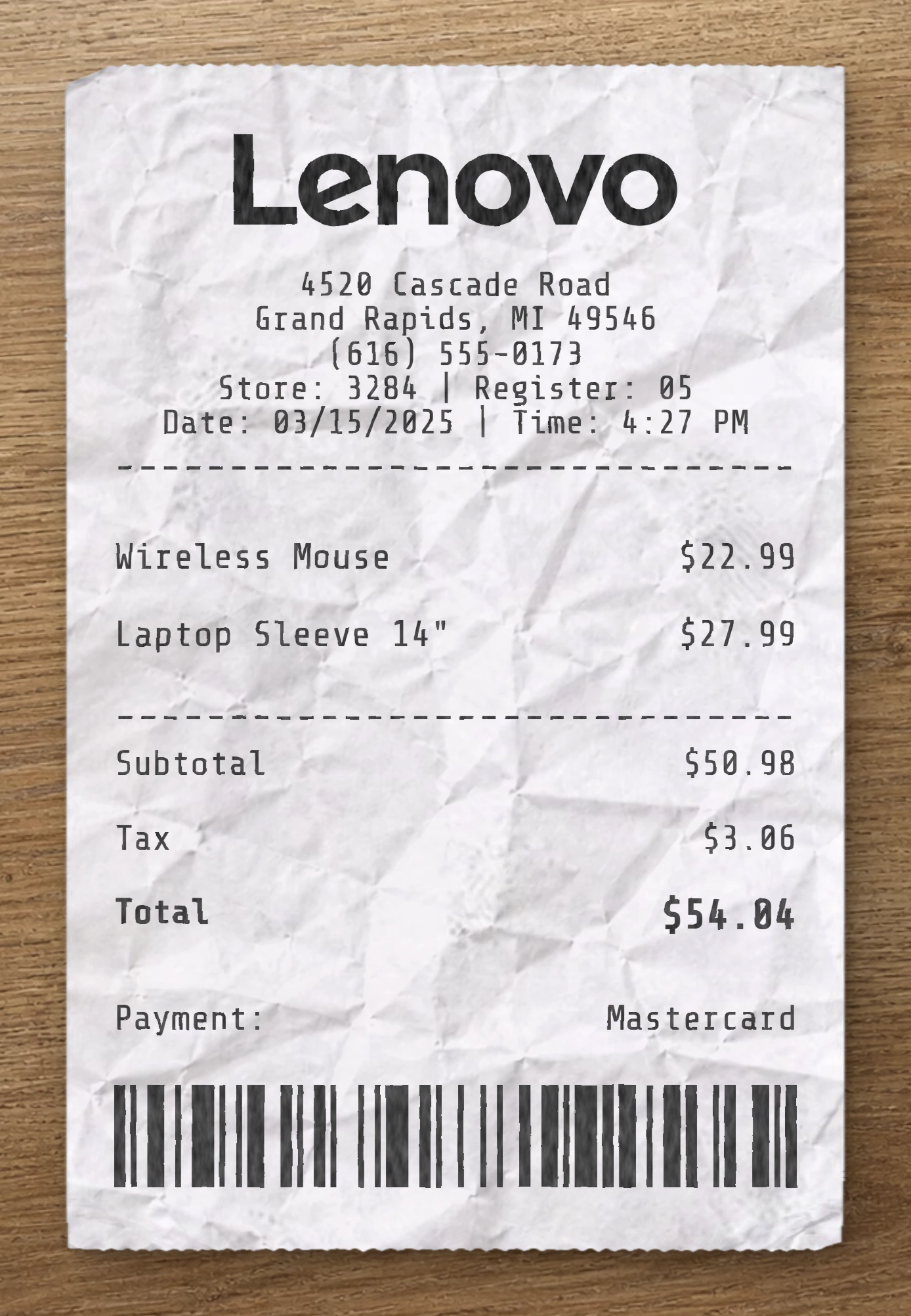
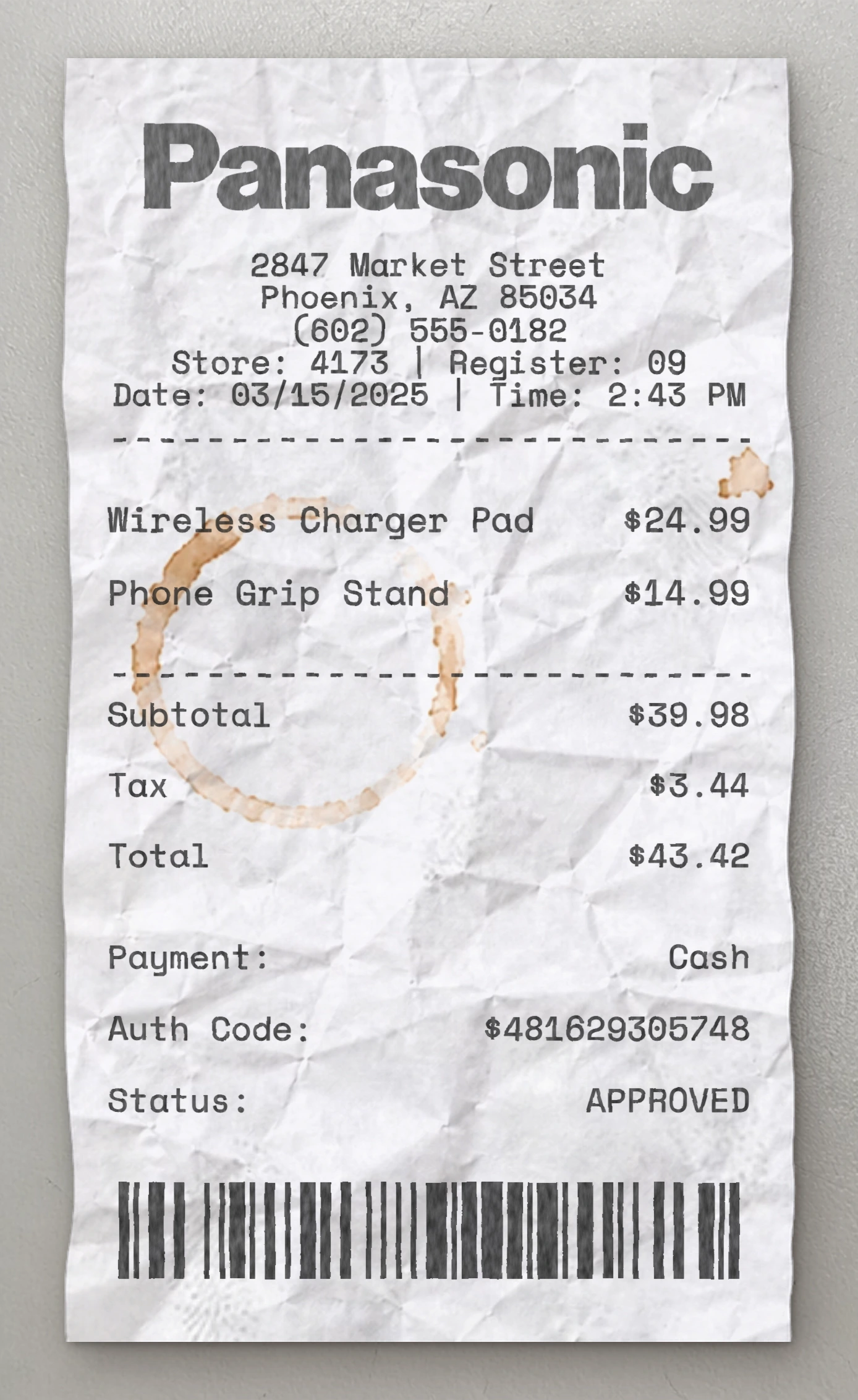
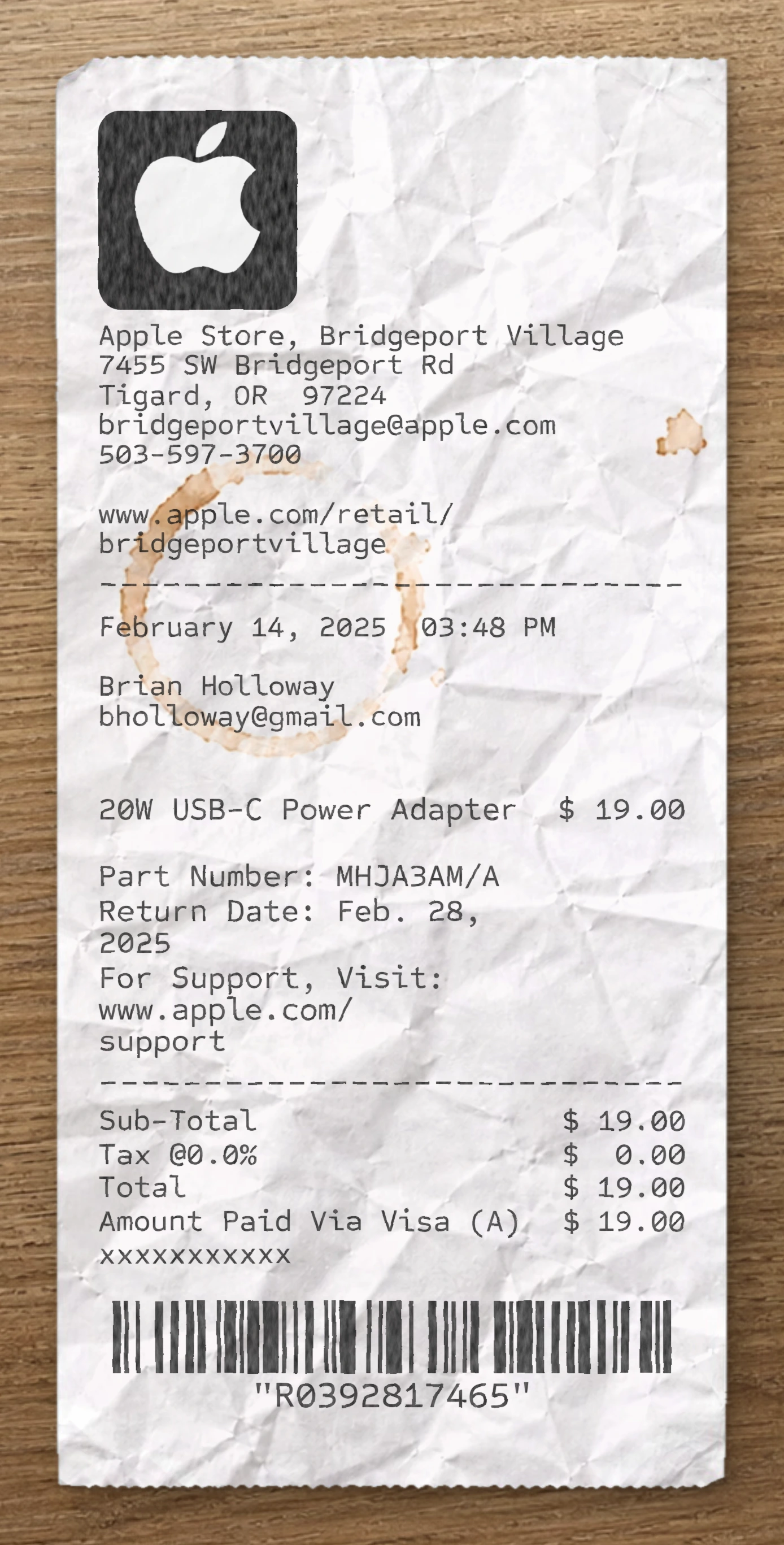
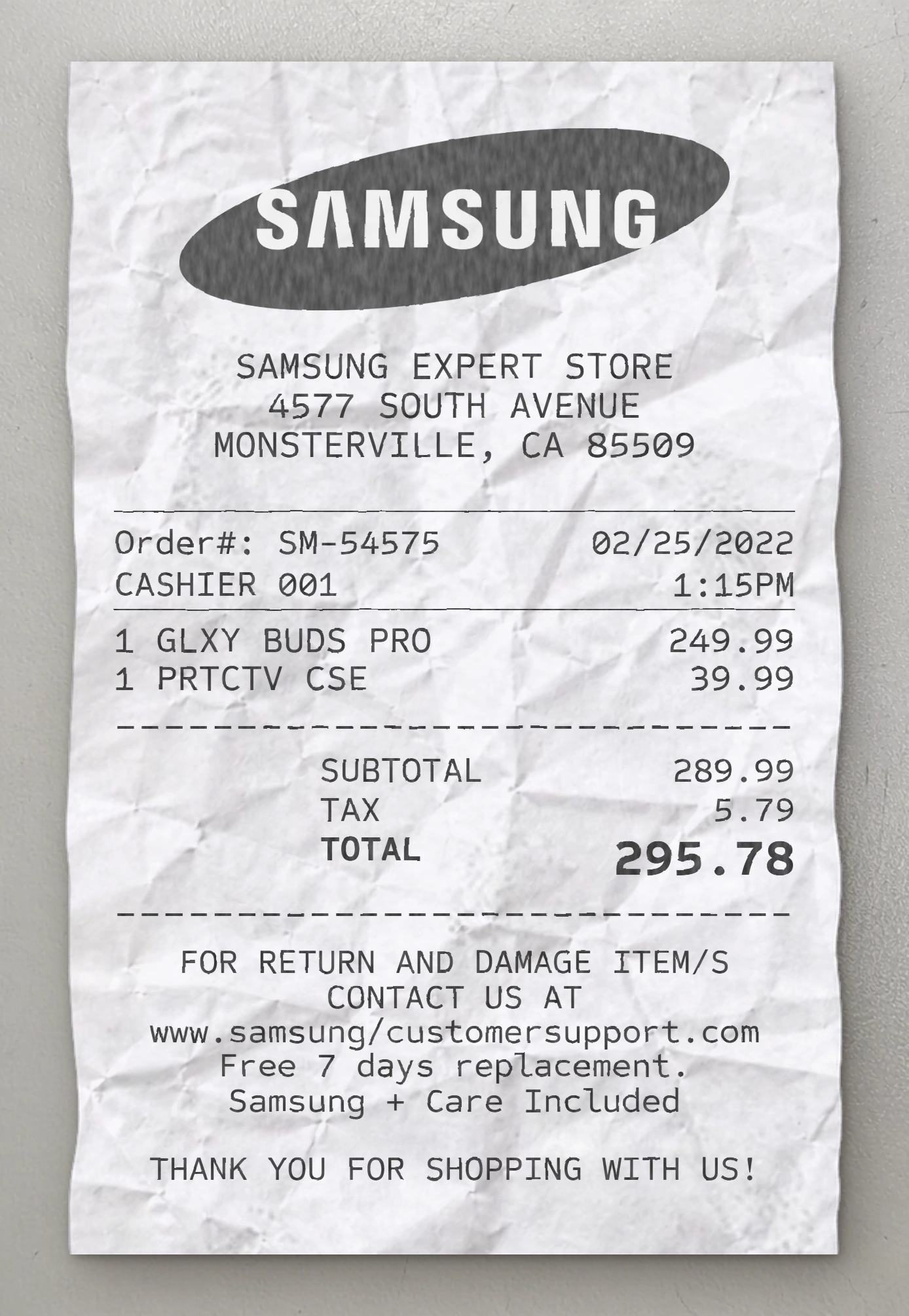
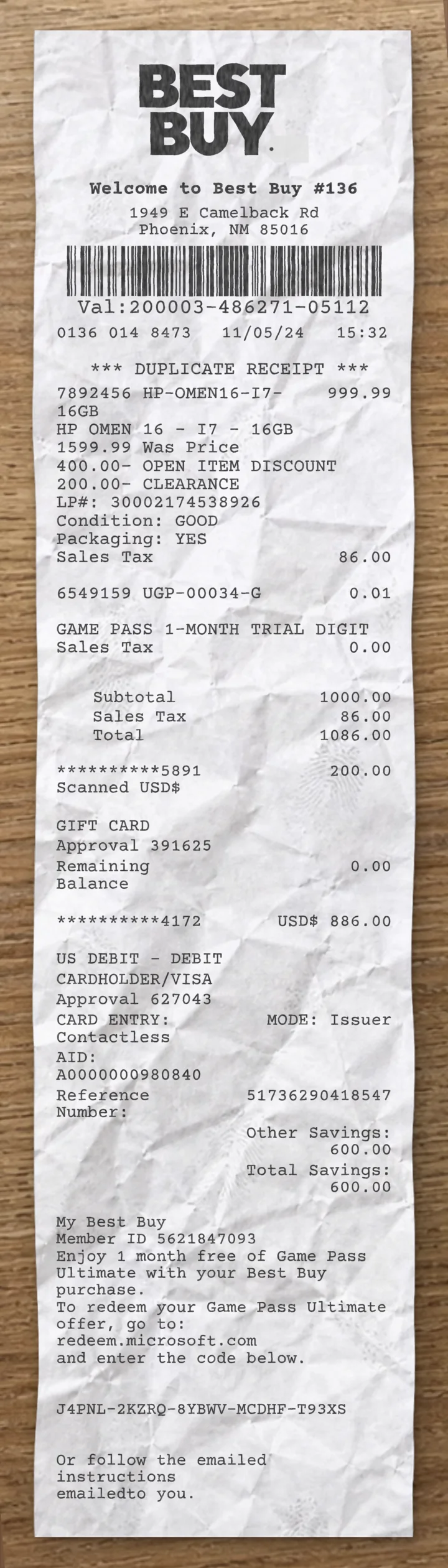
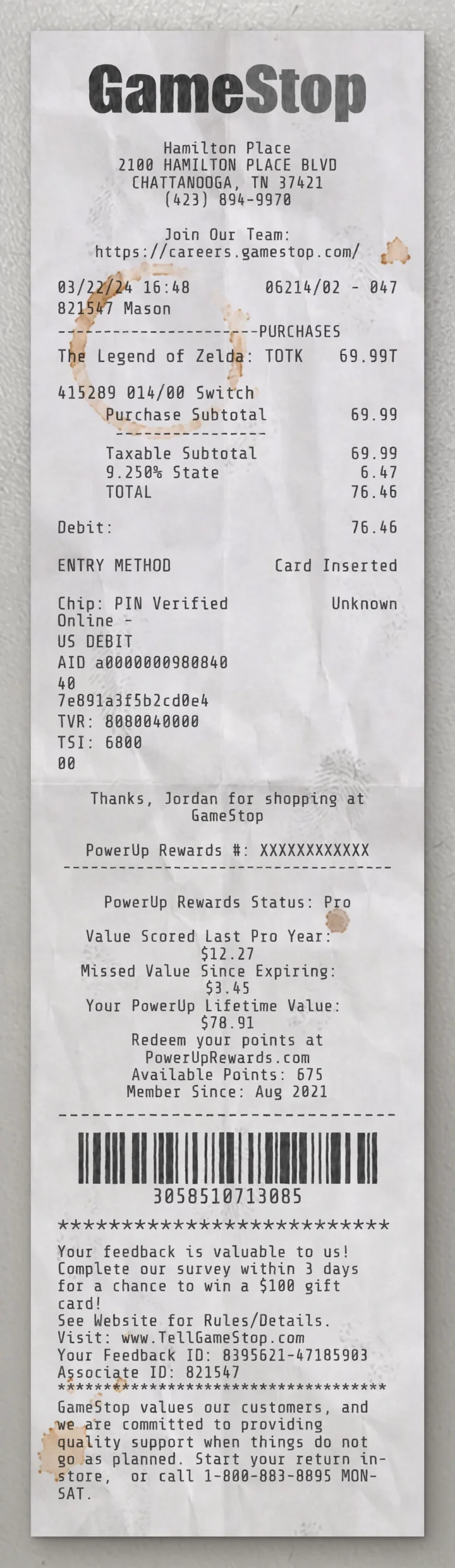
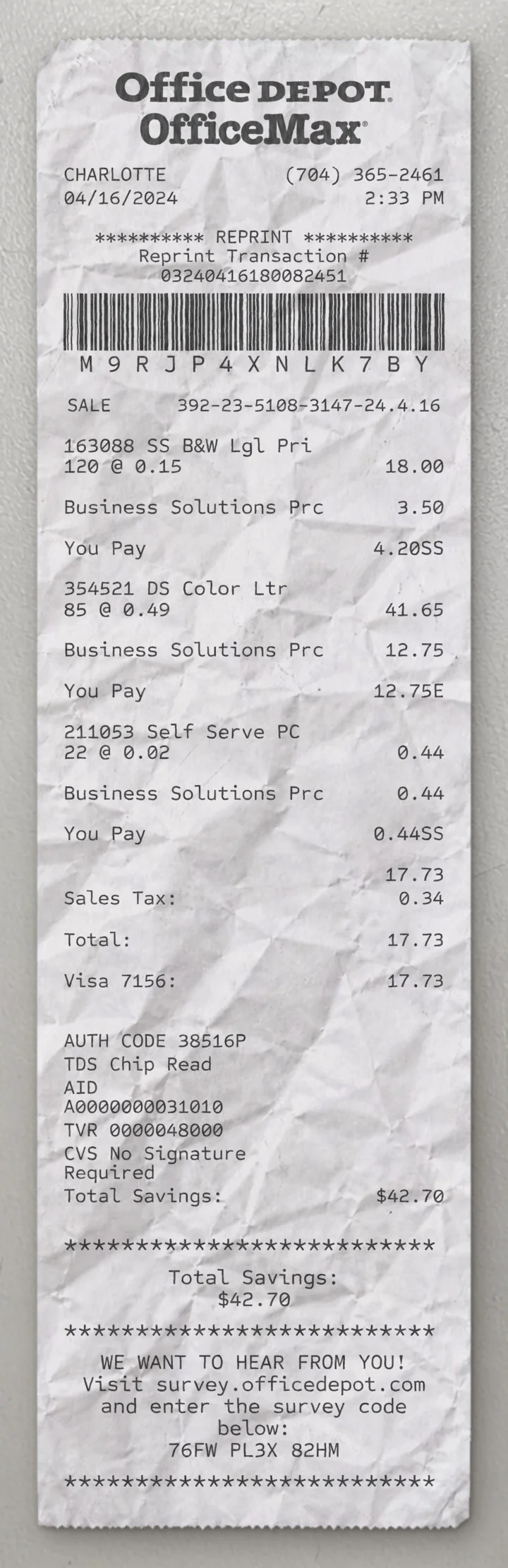
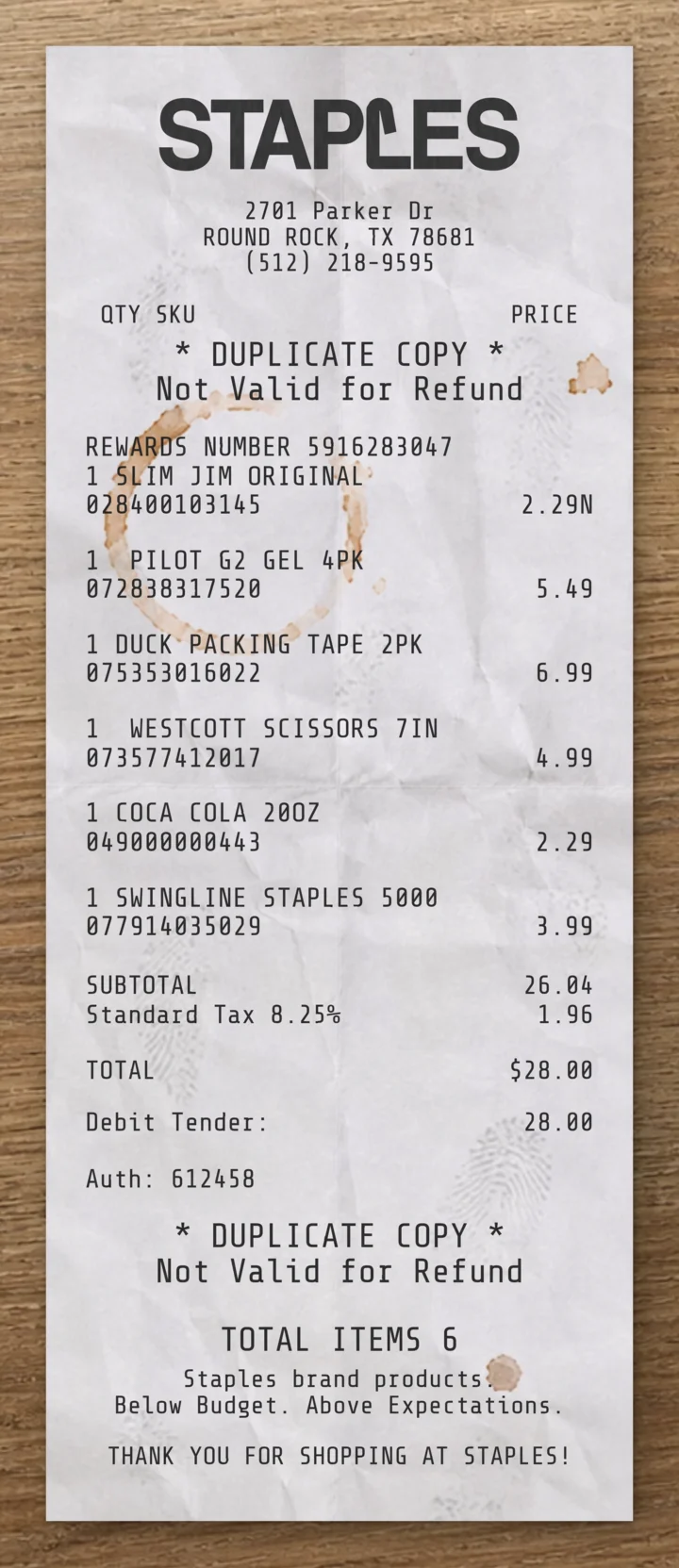
Use our free SONY receipt maker to customize every element of this template. Edit item names, prices, quantities, tax rates, store location, date and payment method to match your needs.
This SONY receipt template is built from a real electronics receipt. This Sony fake receipt template is based on a real consumer electronics retail receipt from Sony, capturing a two-item PlayStation 5 accessories purchase (DualSense Charging Station and PS5 Media Remote) with instant savings discounts applied to each item — reflecting the format of a Sony Store sales receipt. The header features the iconic Sony logo centered at the top — the brand's signature "SONY" wordmark rendered in the recognizable thin-stroke uppercase serif typography that has anchored Sony's print identity for decades, set in large display weight for prominent brand presence. Below the logo, a centered four-line block prints the store-format identifier ("Sony Store"), the street address, the city, state and ZIP code, and the store phone number with hyphenated formatting. The transaction metadata follows as a left-aligned stacked block: "Transaction:" with the transaction number, "Store:" with the store number, "Salesperson:" with the long employee ID and the salesperson first name on the same row, and the transaction date on its own row below. A centered bolded "Sales Receipt" sub-header introduces the transaction body. The transaction section uses a three-column tabular layout with column headers "Model # | Price | Amount". The line items show the product description in uppercase on the left (wrapping where needed), the original price in the middle column, and the discounted amount right-aligned. Below each item, the model number prints in a slight indent followed by an "Instant Savings" discount row with the negative savings amount shown in accounting parentheses notation right-aligned. The basket walks through: DUALSENSE CHARGING STATION ($29.99 list, $14.99 net) with model number CFI-ZDS1G and Instant Savings of ($15.00), then PS5 MEDIA REMOTE ($29.99 list, $14.99 net) with model number CFI-ZMR1G and Instant Savings of ($15.00) — both items showing identical 50% off promotional pricing. The financial summary lists right-aligned rows in a tight stack: "Subtotal" ($29.98), "Tax" ($2.10), and "Total" ($32.08). The labels are positioned slightly inset rather than at the far left margin, creating a centered-right alignment characteristic of Sony's product-detail receipt formatting. Use our free Sony fake receipt generator to customize every element of this fake receipt template — edit item names, prices, quantities, tax rates, store location, date, and payment method to match your needs. The Sony fake receipt maker is ideal for testing, design mockups, training materials, and educational purposes. Generate a fake Sony receipt instantly, export it as a PNG or PDF, print it right away, and reuse it as many times as you need. No software to download, no sign-up required.
Use our free SONY receipt maker to customize every element of this template. Edit item names, prices, quantities, tax rates, store location, date and payment method to match your needs.
The SONY receipt generator is ideal for testing, design mockups, training materials and educational purposes. Export your custom SONY receipt as a PNG, WEBP or JPG, print it instantly, and reuse it as many times as you need. No software to download, no sign-up required.
Same level of detail. Each template below is reverse-engineered from a real receipt and ready to customize.
With our receipt maker, create any bill as easy as 1, 2, 3.
Start with any receipt layout from the catalog. Each template is built from a real receipt and ready to customize.
Update the business details, line items, prices, dates, taxes, payment method and receipt styling directly in the editor.
Download the finished receipt as PNG, JPG or WEBP. Use it in an email, add it to a mockup, share it digitally or print it out.
Everything you need to know about editing, saving and exporting receipt templates.
Create realistic sample receipts for mockups, product demos, staff training, software testing, props and internal workflows. The tool is intended for legitimate, non-deceptive use only.
Yes. You can update business details, line items, prices, quantities, dates, taxes, totals, payment method, logos, fonts and styling options directly in the editor.
Yes. Create an account to save reusable receipt layouts, reopen previous drafts and reuse the same structure for future exports.
You can download the finished receipt as PNG, JPG or WEBP. Use the file in an email, presentation, mockup, digital workflow or print it when needed.
No. The receipt maker runs directly in your browser, so you can pick a template, edit it and export the result without installing anything.
Yes. You can replace logos, update names and addresses, change receipt details and adapt the layout so the sample document fits your project.
Real humans on standby. No chatbots, no canned replies. Tell us what you're building and we'll point you in the right direction.